TriticeaemiRDB: The Triticeae miRNA Database

How to Use TriticeaemiRDB

Welcome to the Triticeae miRNA Database. This guide will help you navigate and utilize all the features of our website effectively.

Home Page
Species Section
Tools Section
Help Section
Download Section

Home Page

The Home page serves as the starting point for exploring our database. It provides an overview of the available data, recent updates, and quick access to the most commonly used features.
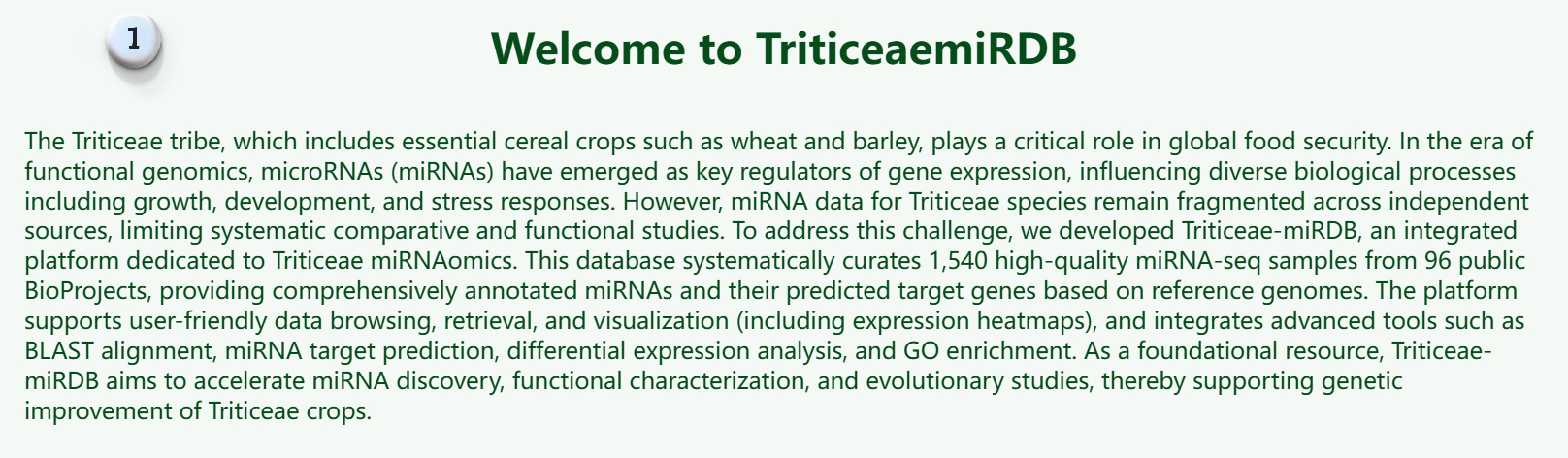
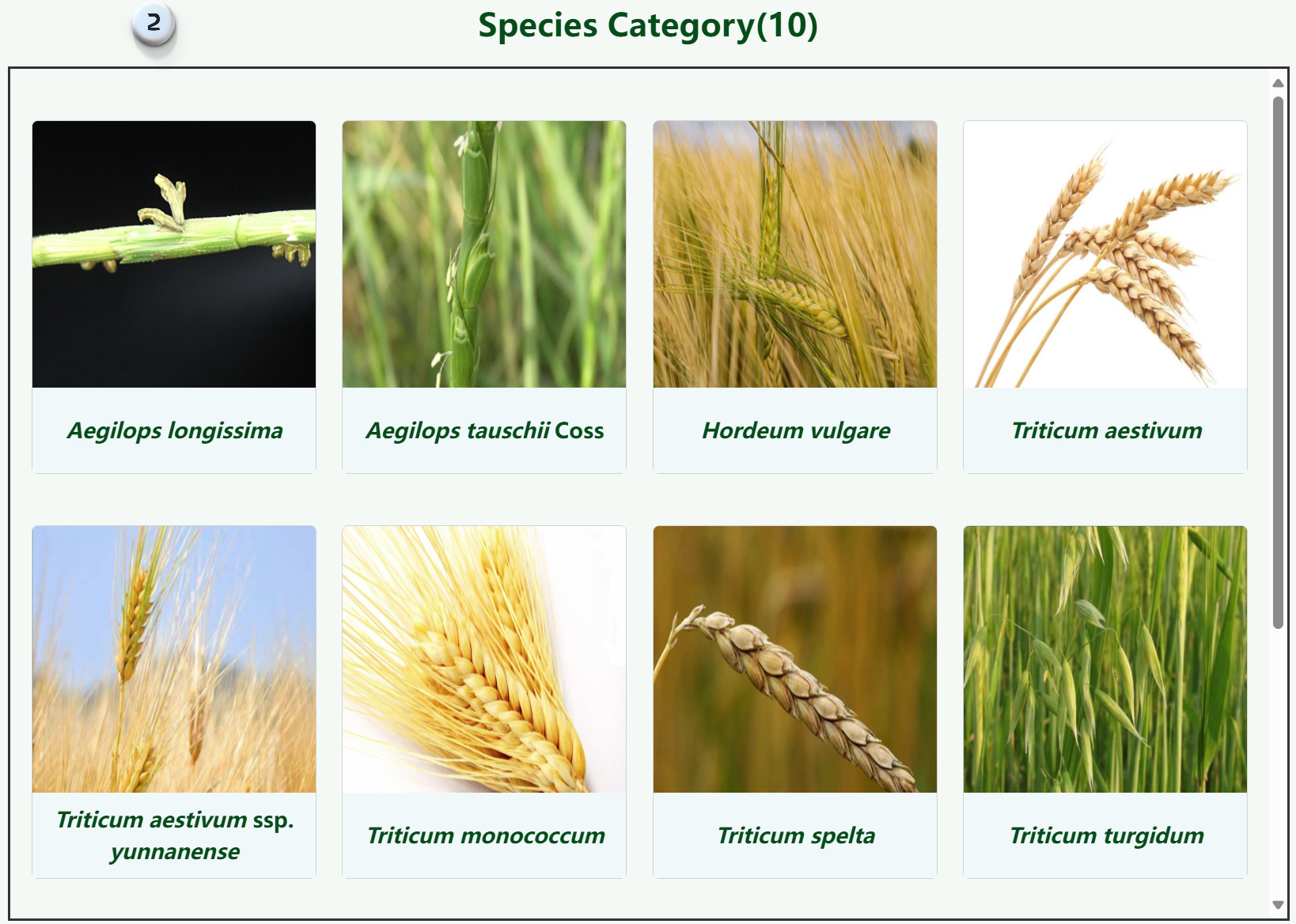
1. Basic introduction to the Triticeae miRNA database.
2. Species classification displays pictures and Latin names of ten species in the triticeae.
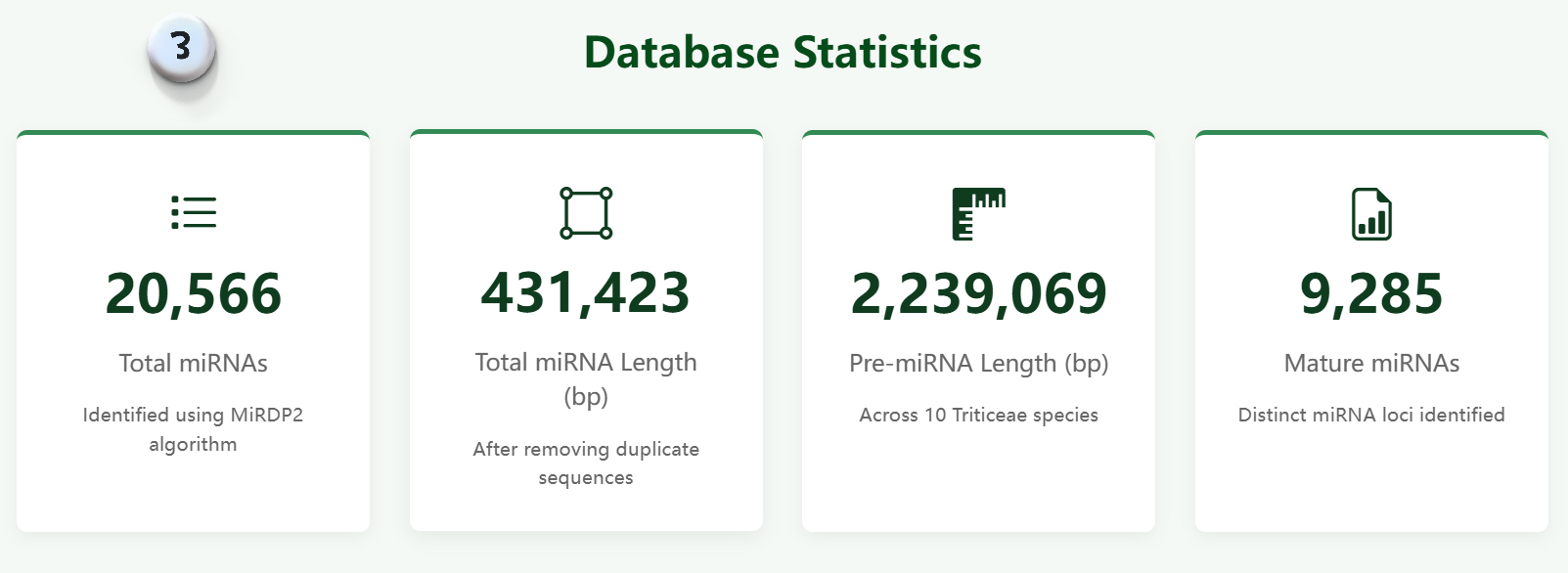
3. Display specific data of the triticeae.
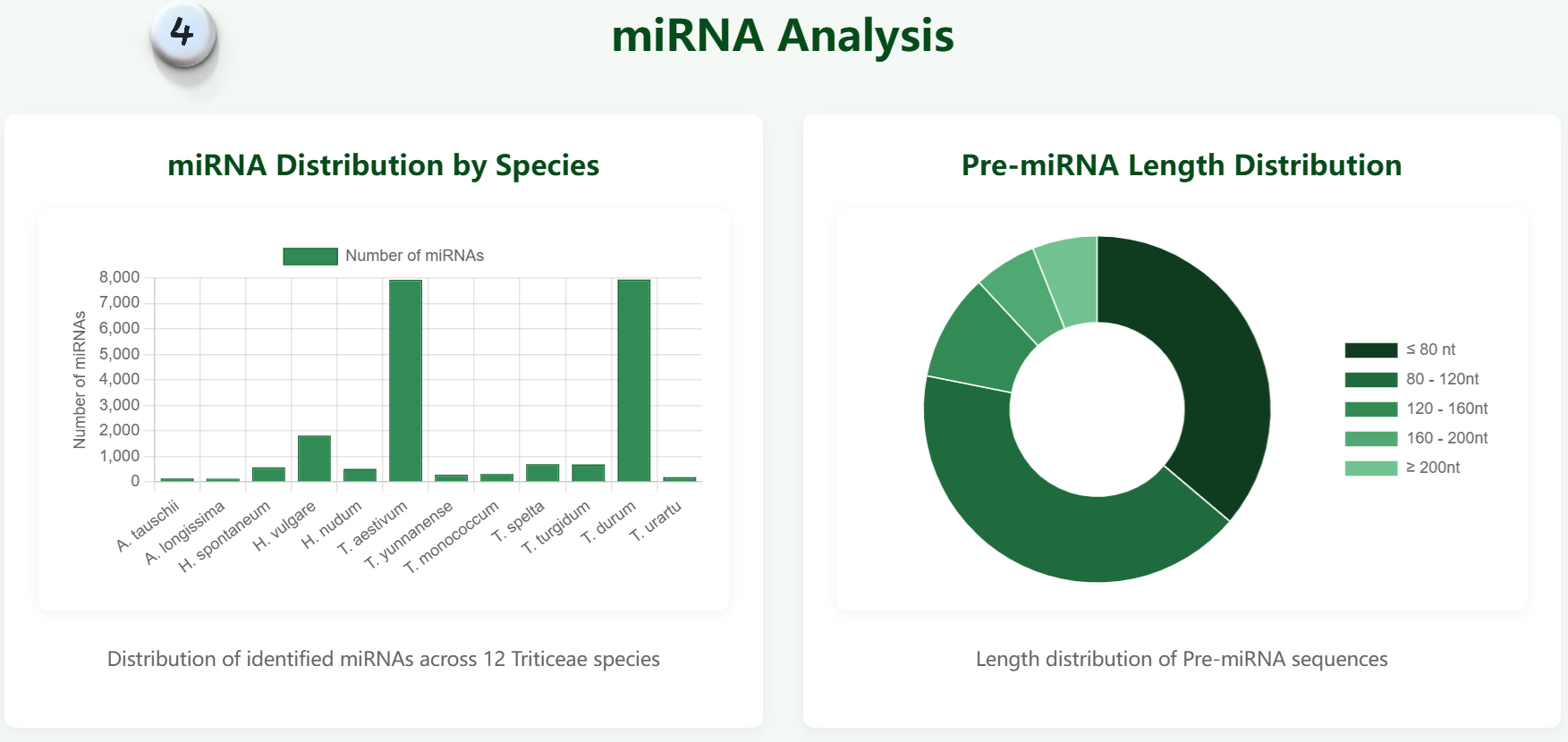
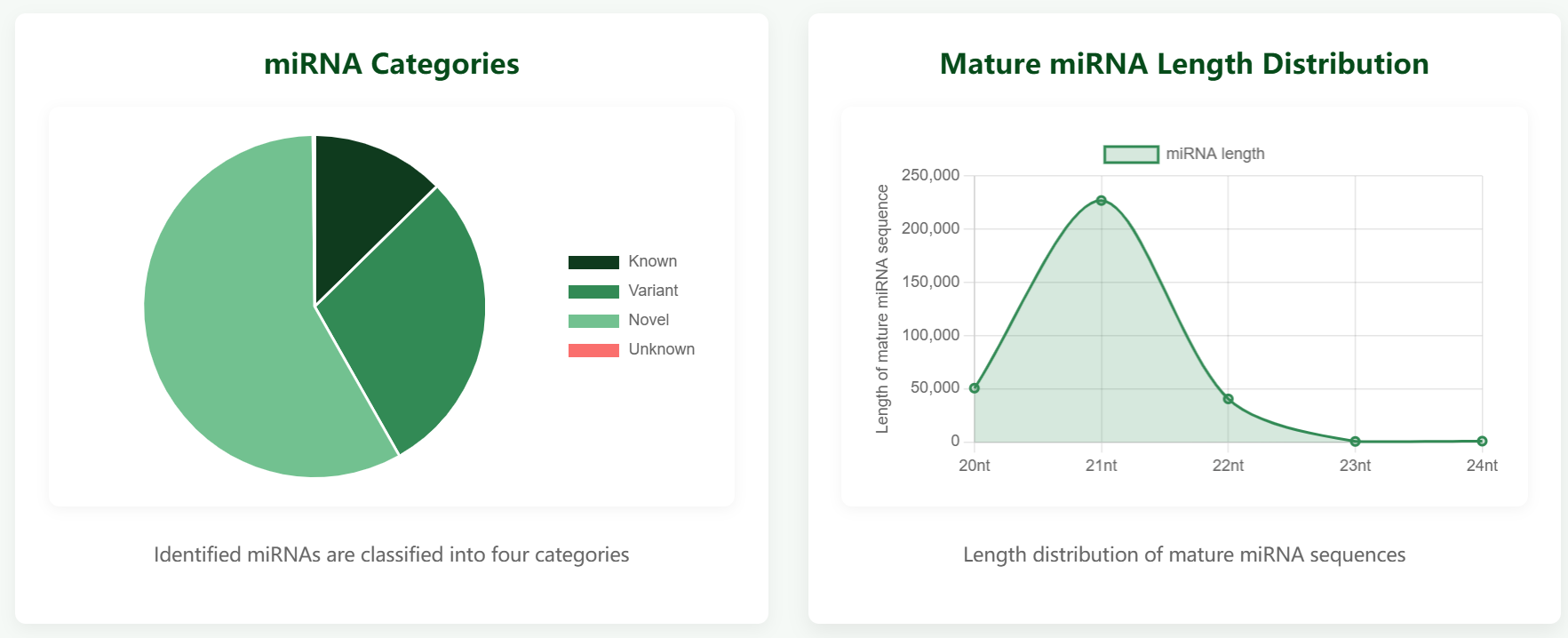
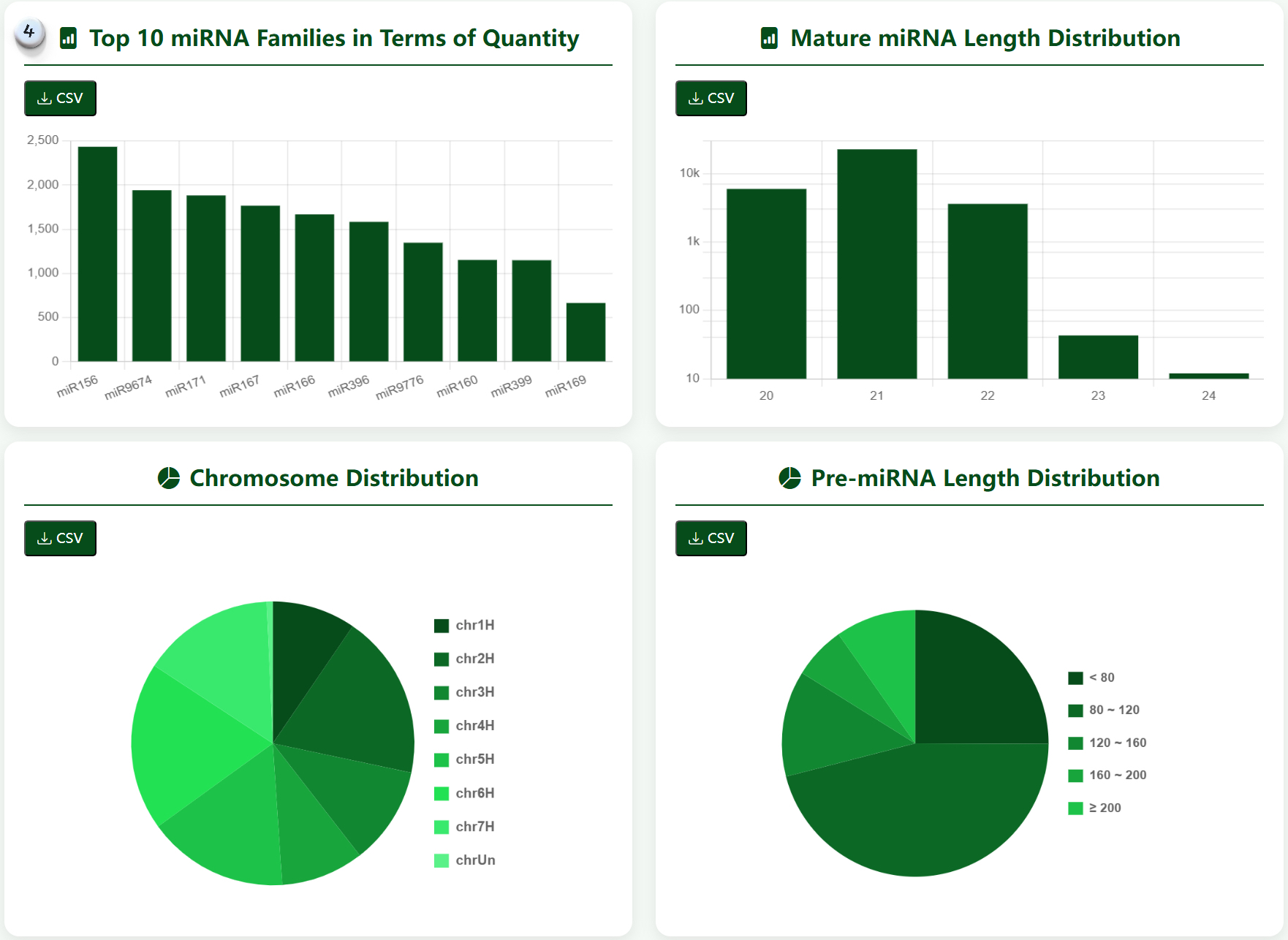
4. Visualize the data of the triticeae.
Home Page Overview Home Page Overview Home Page Overview Home Page Overview Home Page Overview

Species Section

The Species section allows you to explore miRNA data across various Triticeae species. Select a species from the dropdown menu to view detailed information about its miRNAs, including sequences, expression data, and predicted targets.
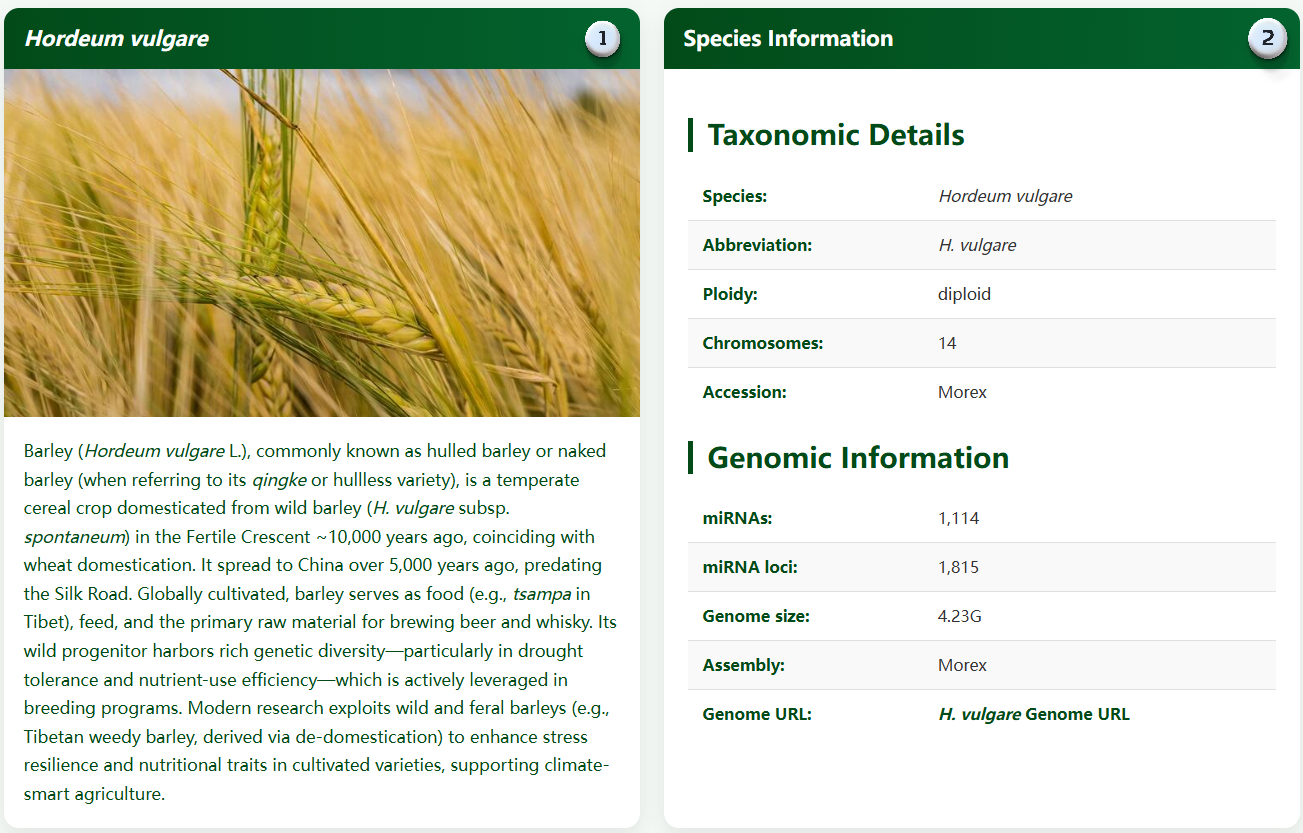

1. Introduce the origin and domestication of species.
2. Basic information of species and genomic information.
3. Four buttons jump to display detailed information about the species.
4. Display identification information of different species in the triticeae in the form of statistical charts.
5. Literature providing references for species genomes.
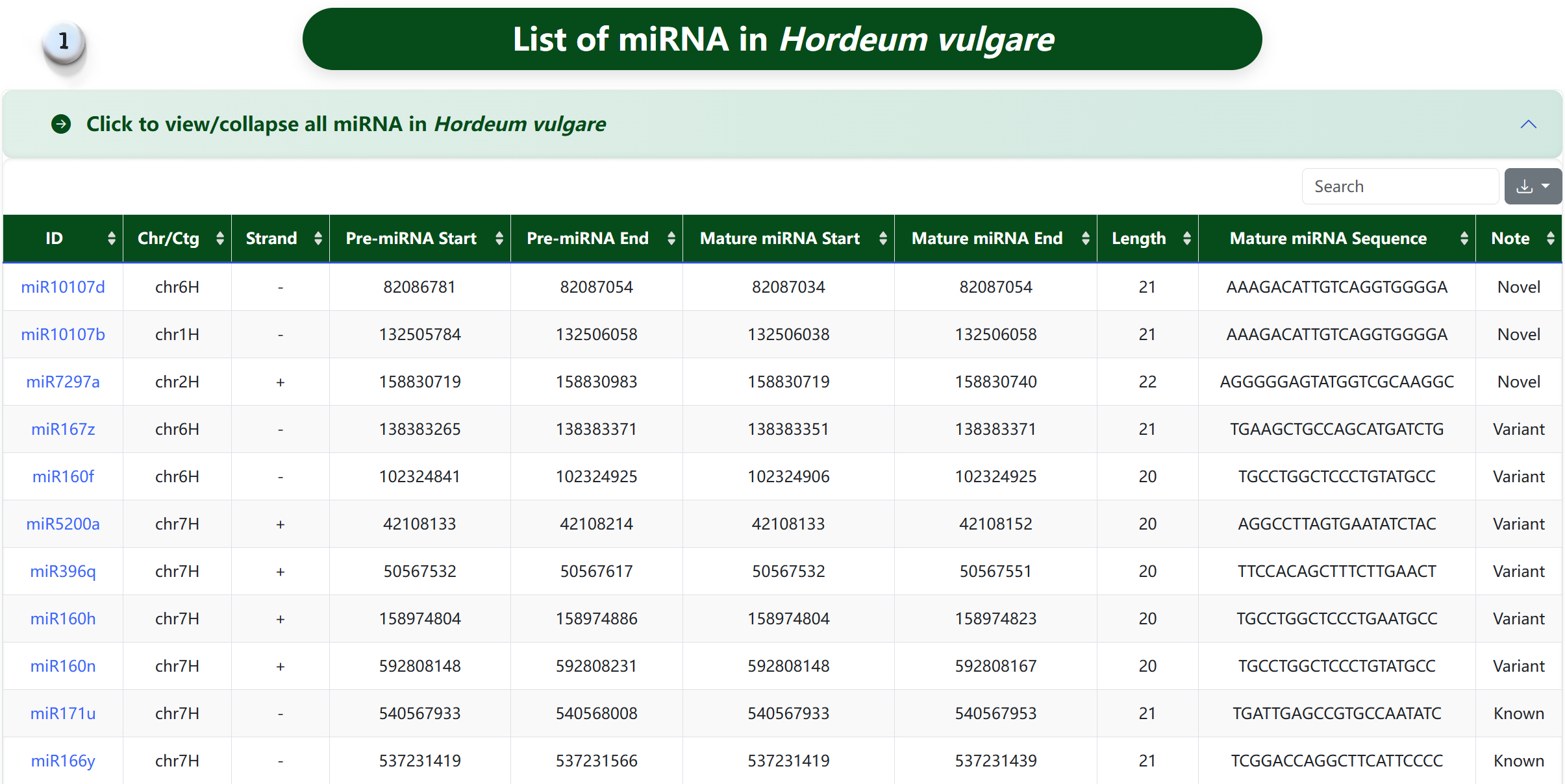
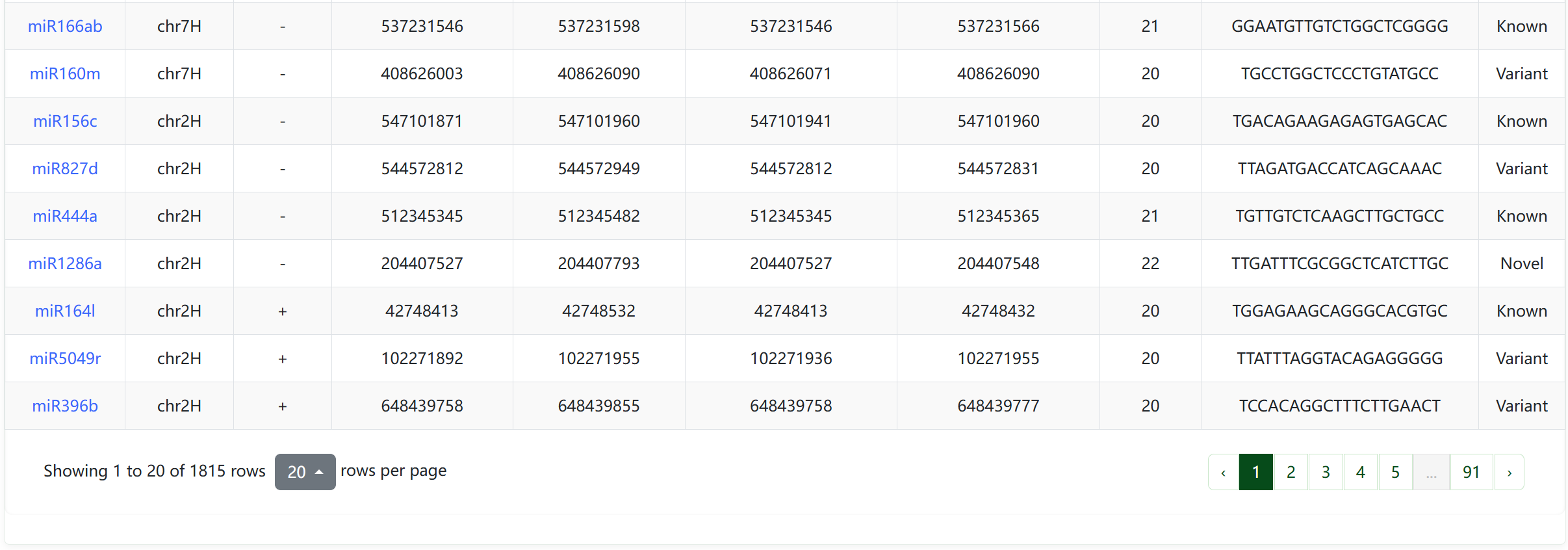
Species Details 1 Species Details 2 Species Details 3 Species Details 4
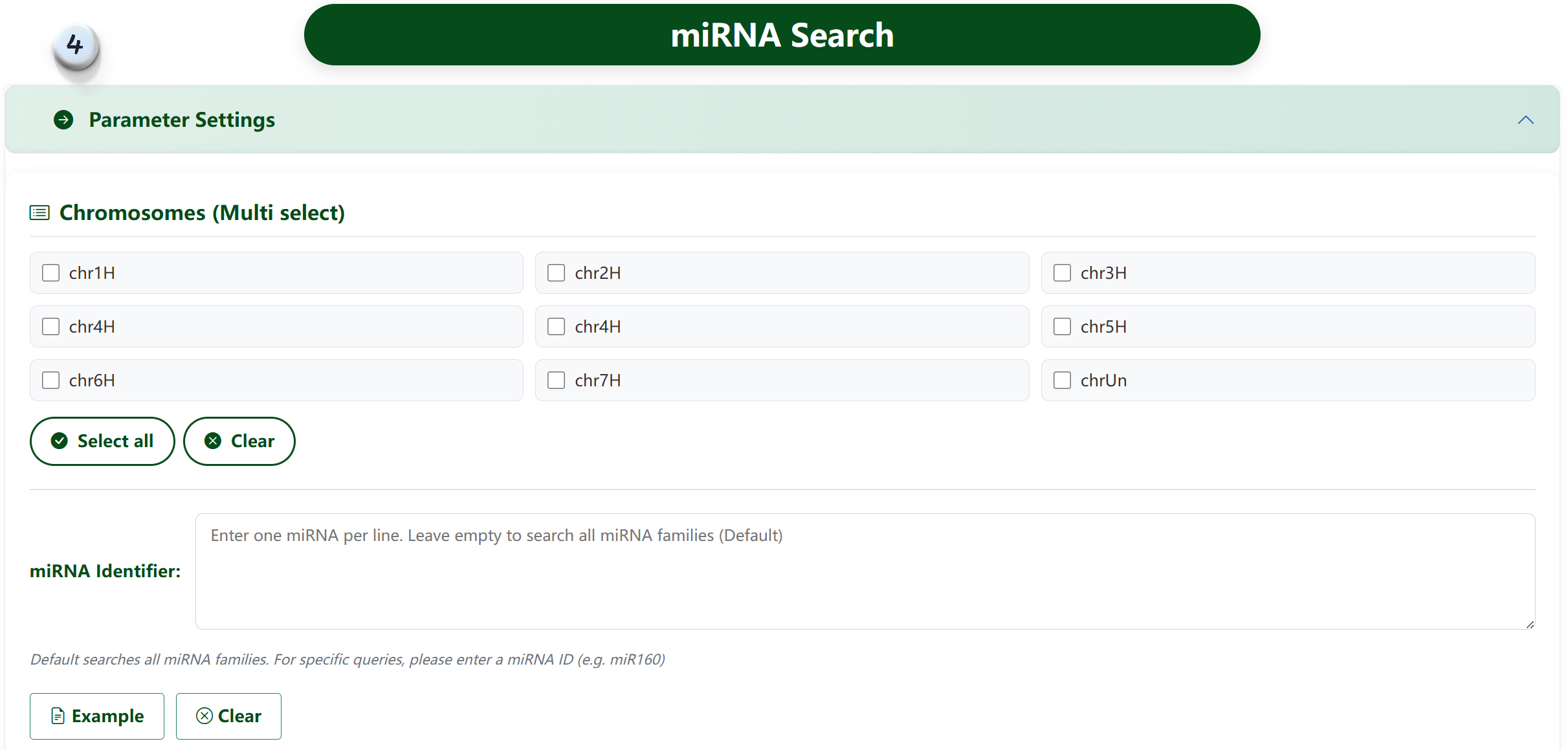
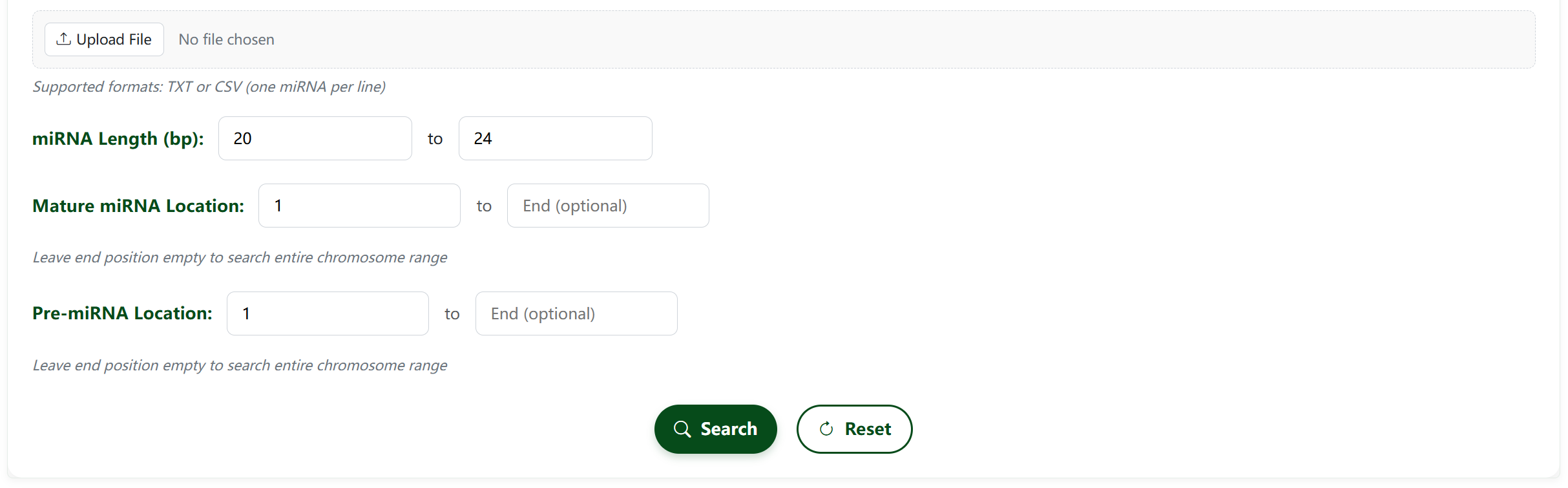
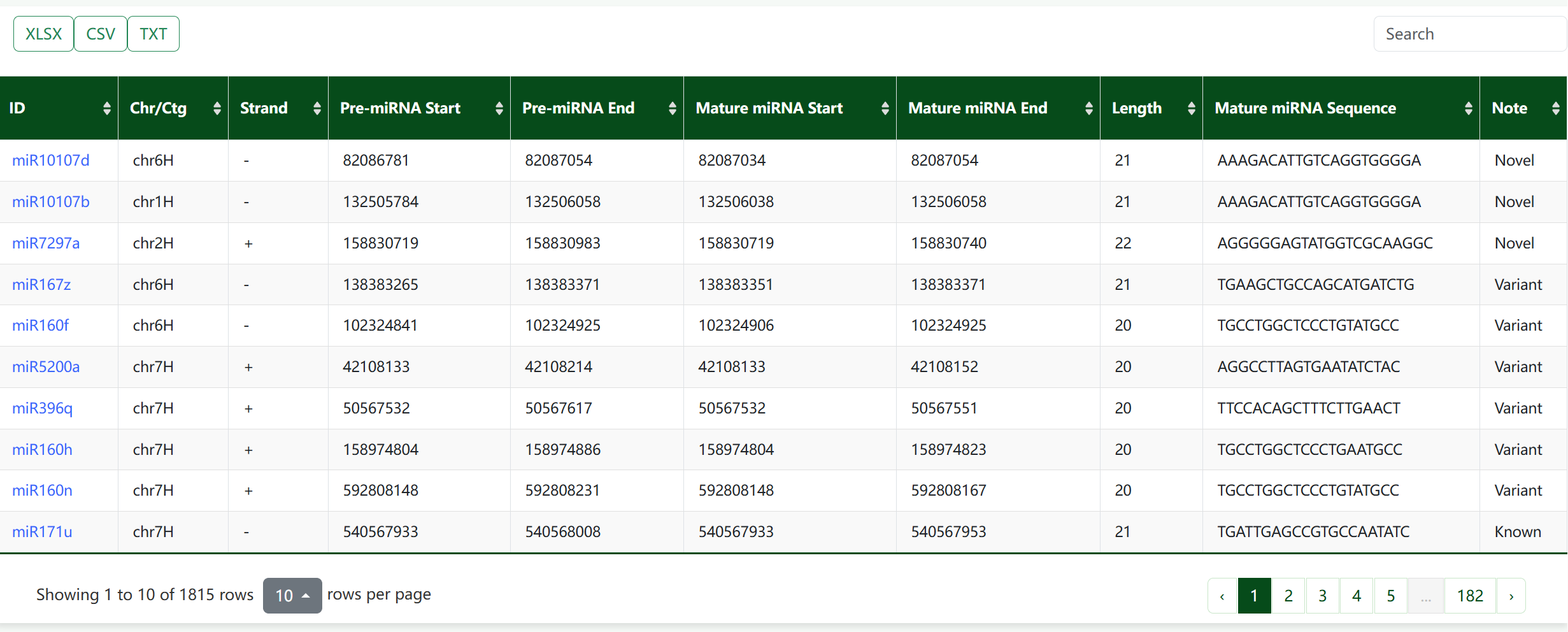
miRNA Search 1 miRNA Search 2 miRNA Search 3 miRNA Search 4 miRNA Search 5 miRNA Search 6 miRNA Search 7 miRNA Search 8
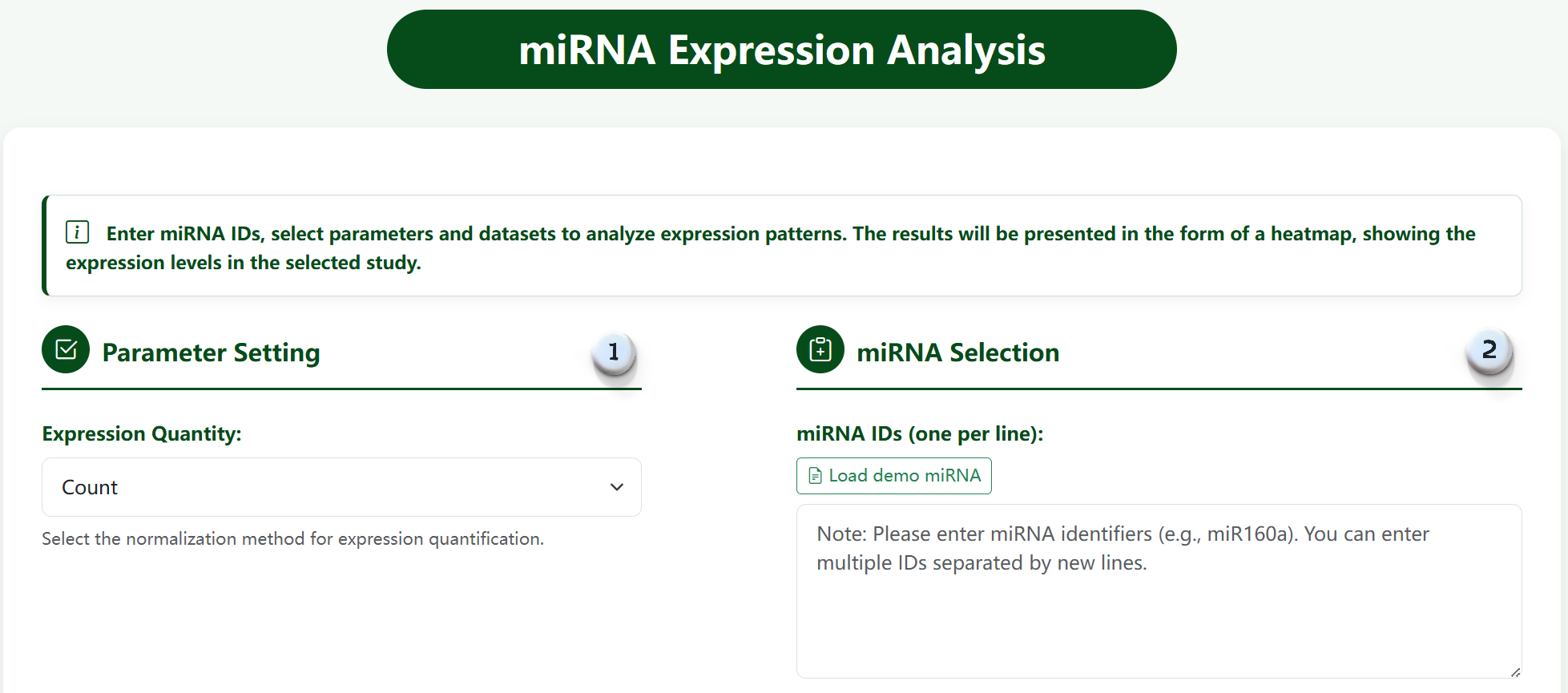
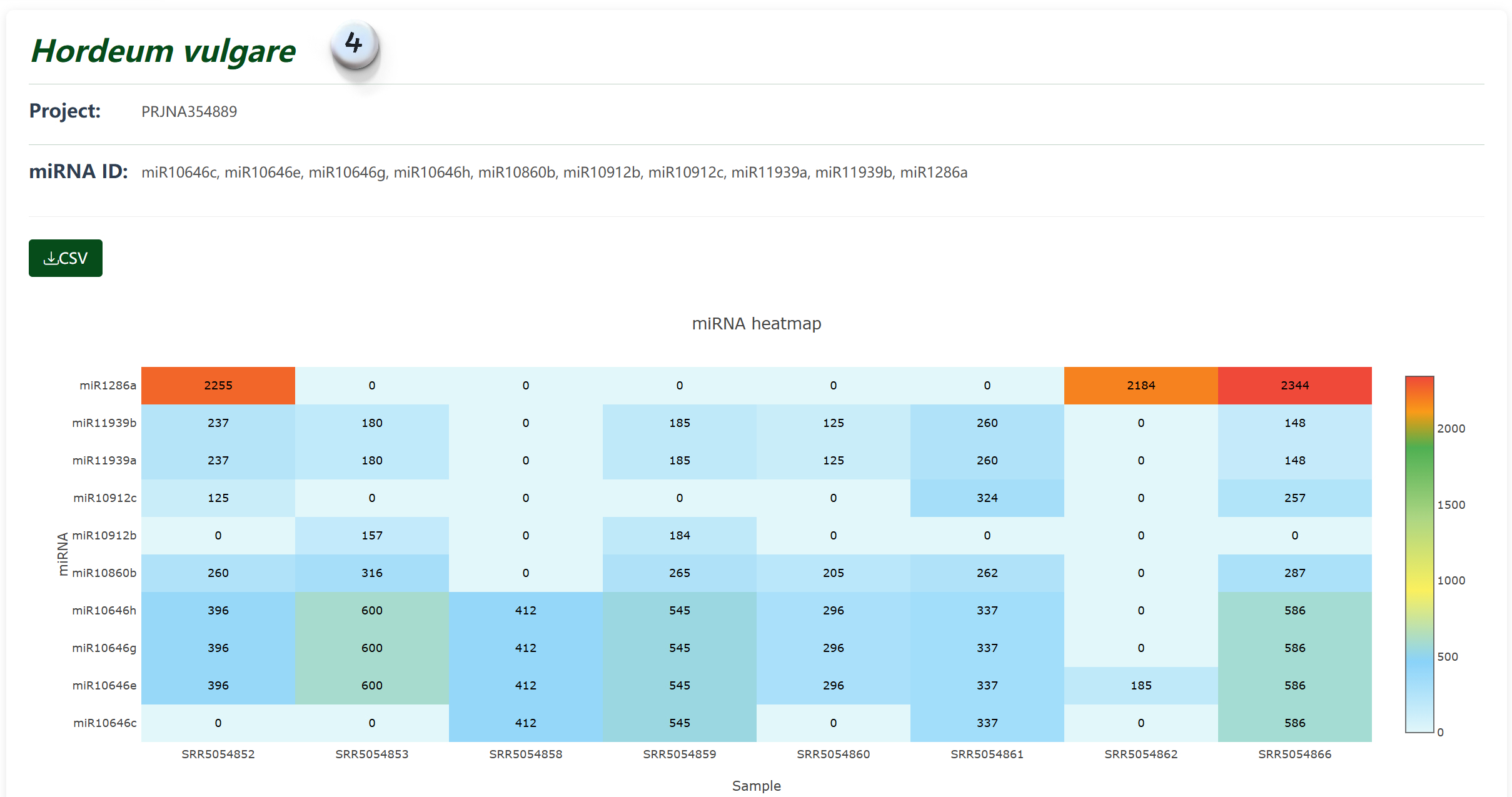
Expression Analysis 1 Expression Analysis 2 Expression Analysis 3 Expression Analysis 4 Expression Analysis 5
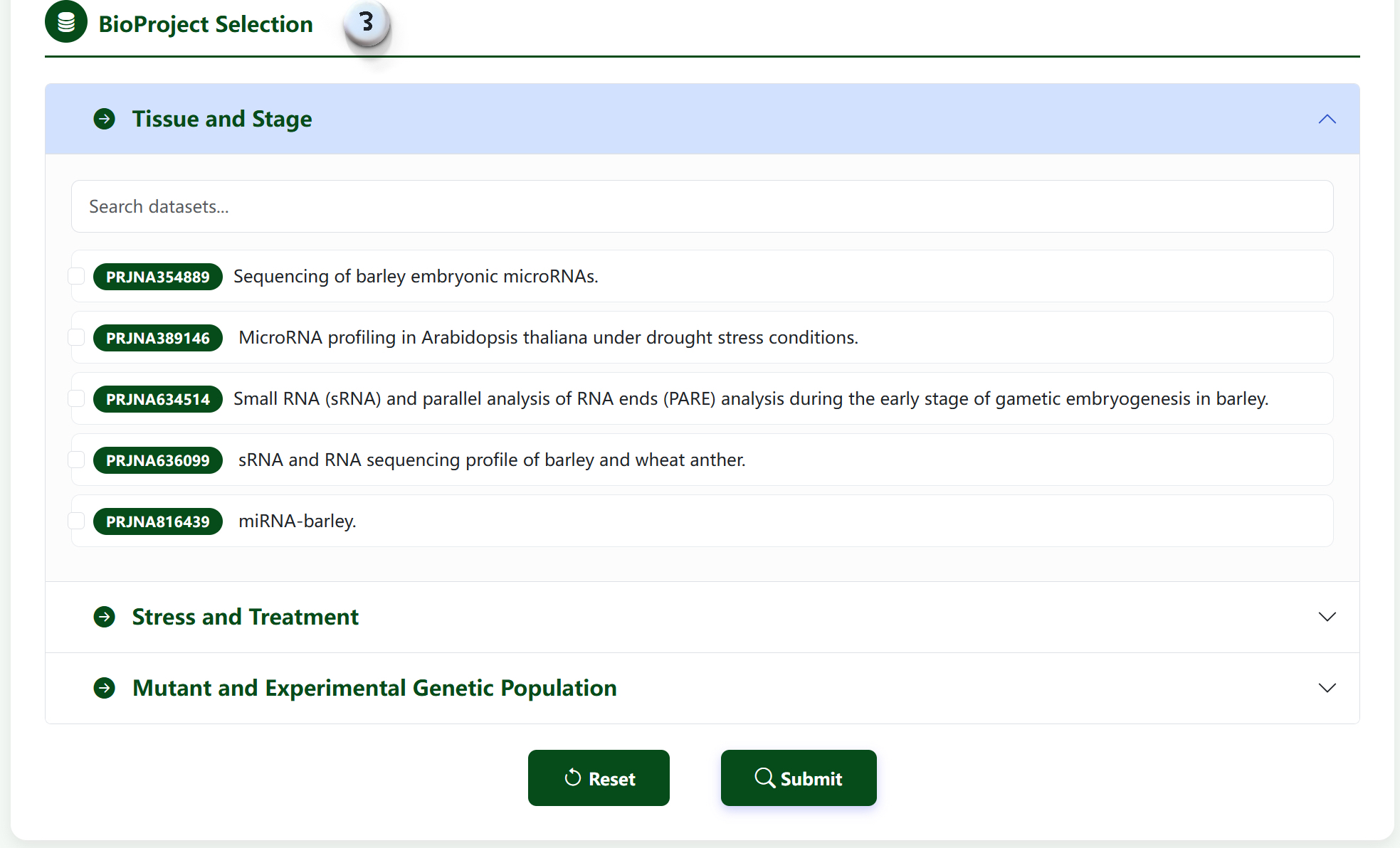
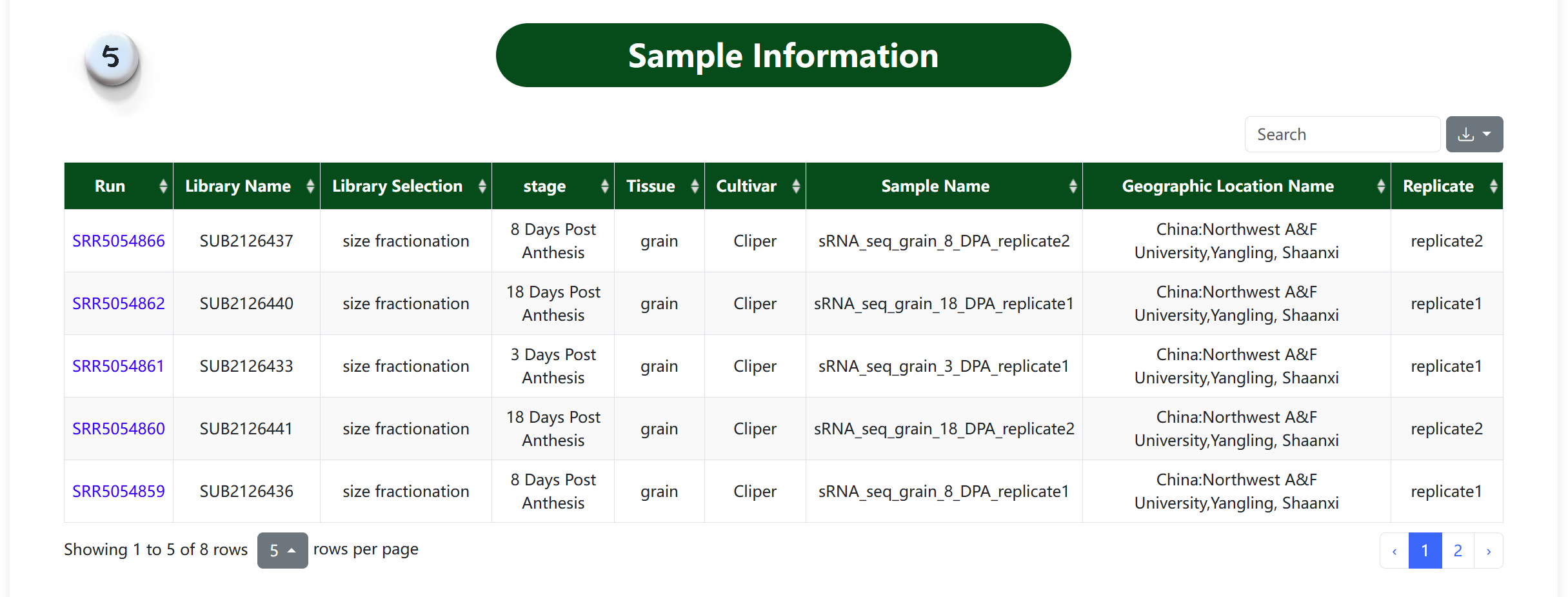
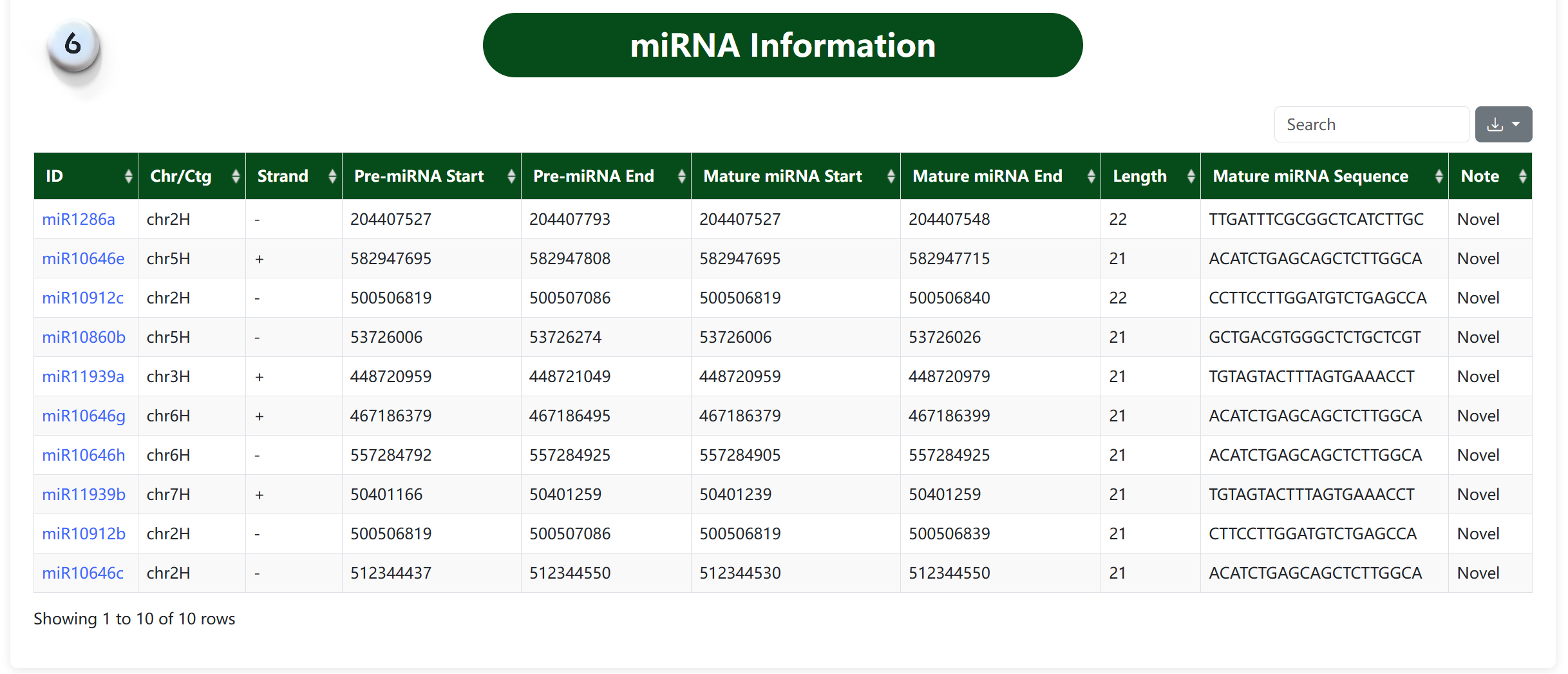
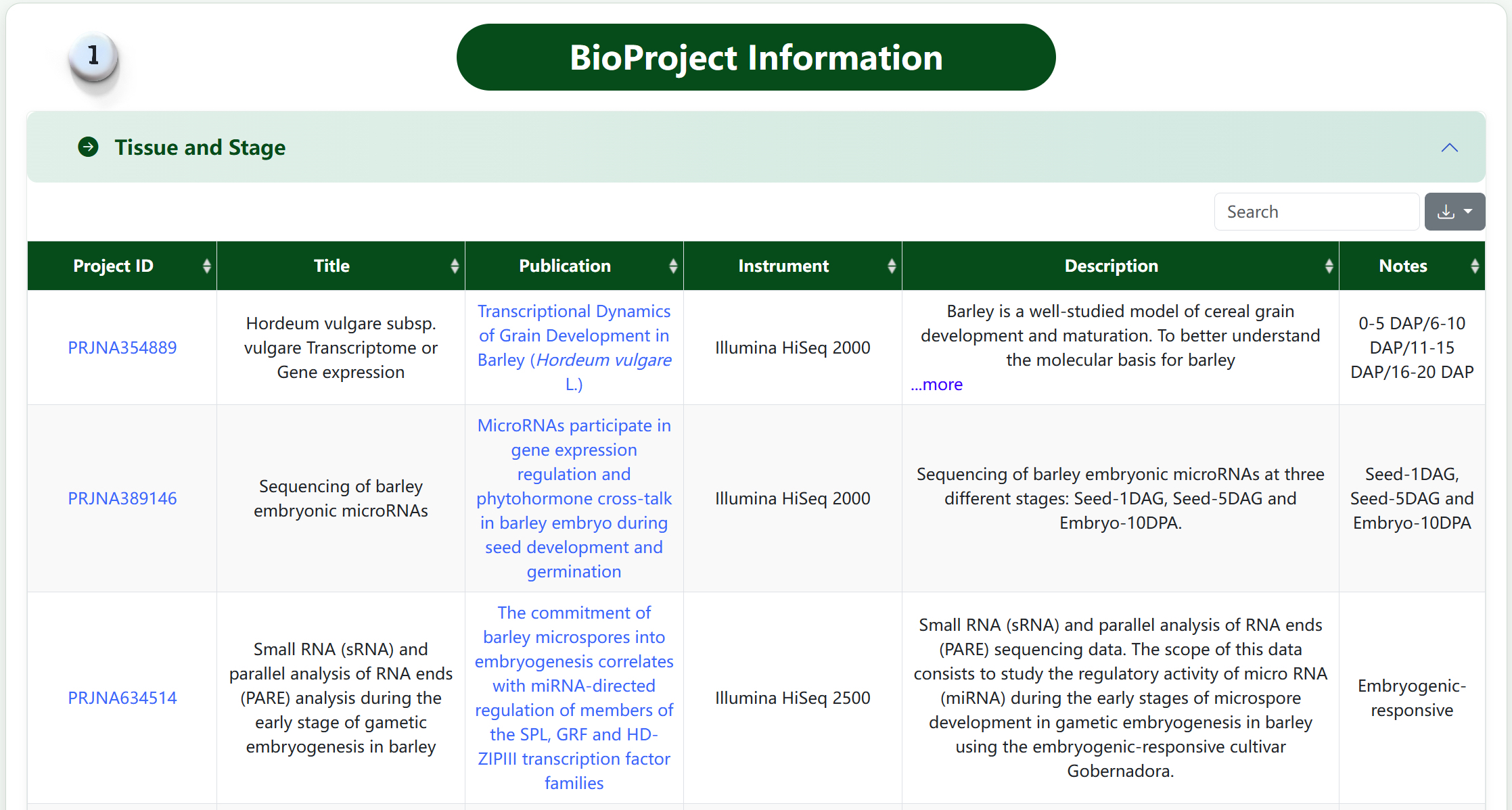
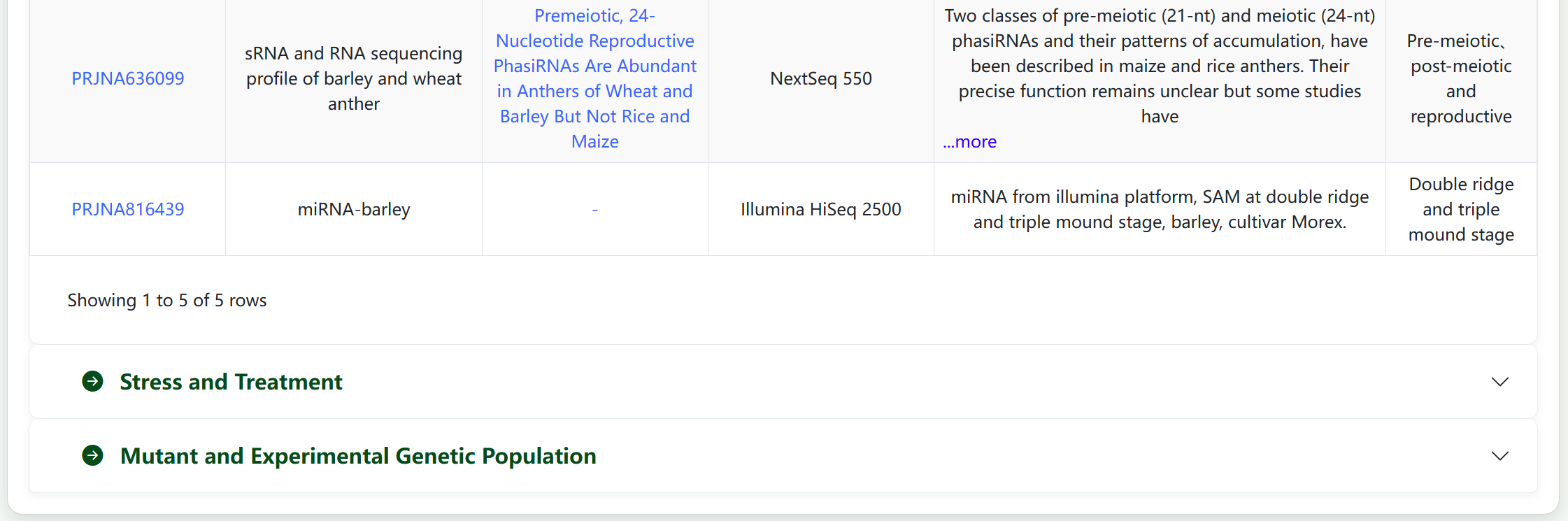
BioProject Information 1 BioProject Information 2 BioProject Information 3
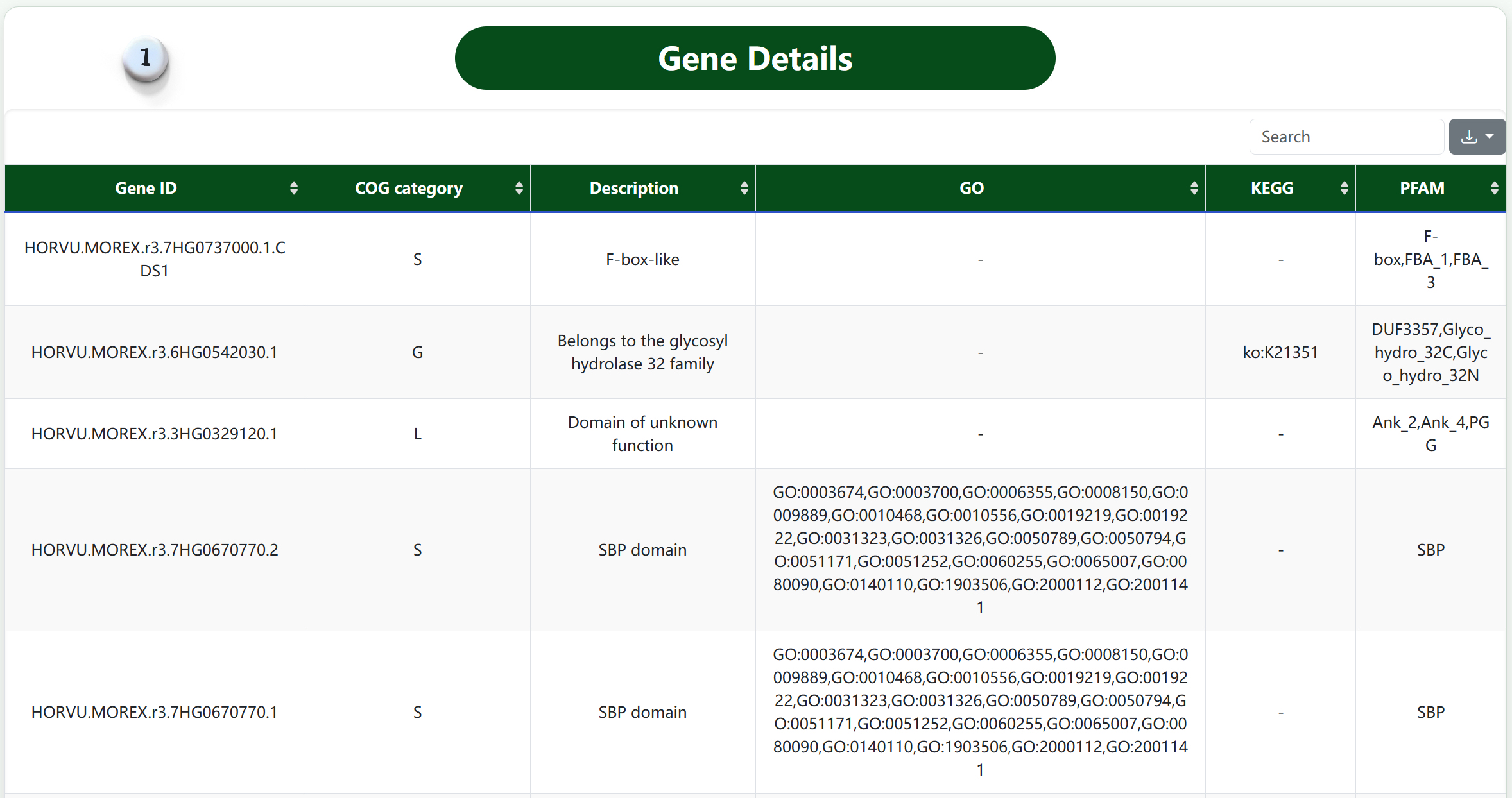
Gene Details 1 Gene Details 2 Gene Details 3

Tools Section

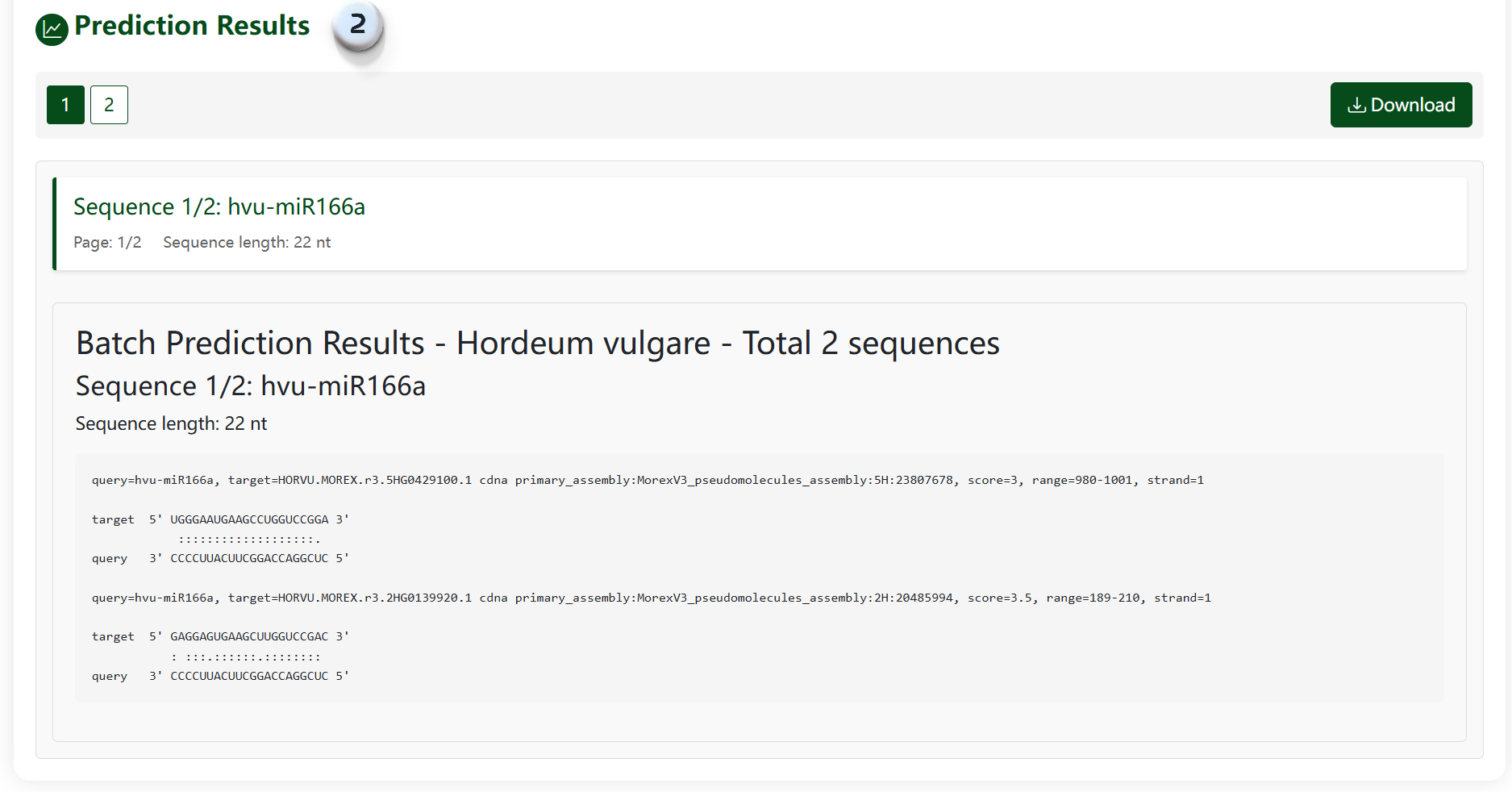
Our Tools section provides powerful utilities for analyzing miRNA data. The BLAST tool allows you to search for sequence similarities, Target Prediction helps identify potential mRNA targets, and JBrowse enables visualization of miRNAs in their genomic context.
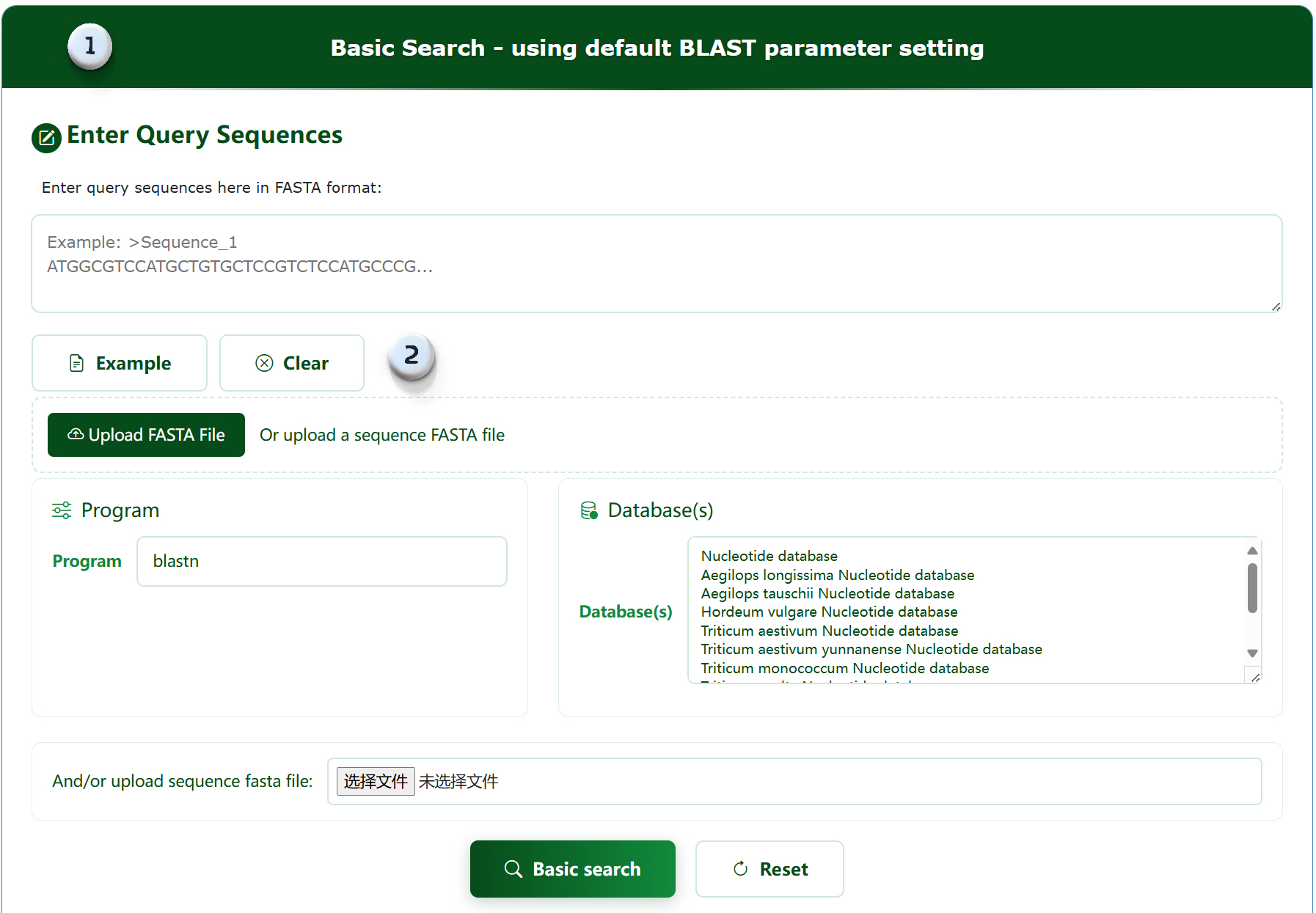
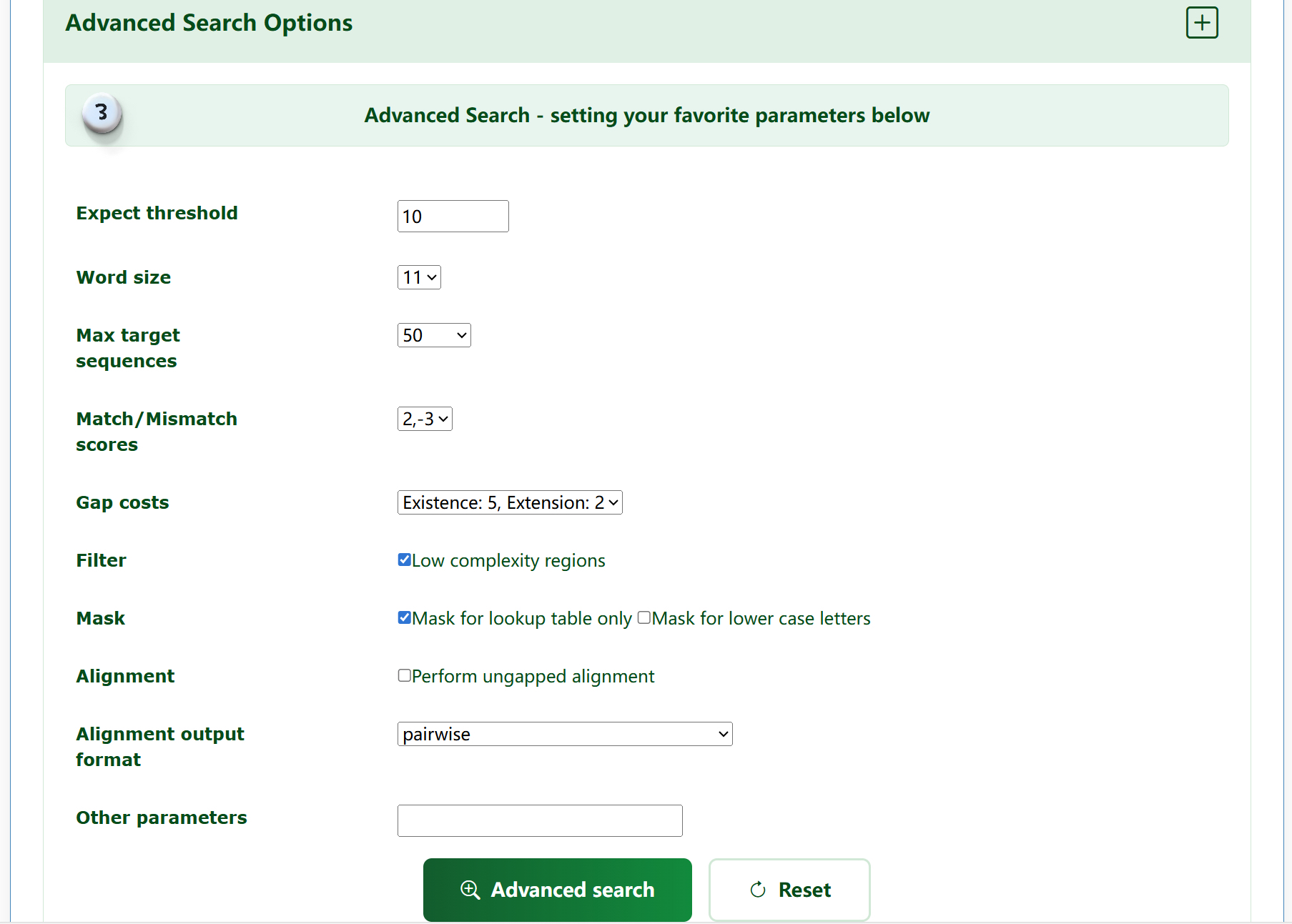
1. Select the alignment method and corresponding database for alignment by inputting the fasta format of the species base sequences.
2. Provide a way to upload files for retrieval.
3. You can filter and adjust different parameters according to your needs for advanced retrieval.
4. You can filter and view blast results based on different conditions.
5. Select sequence for download.
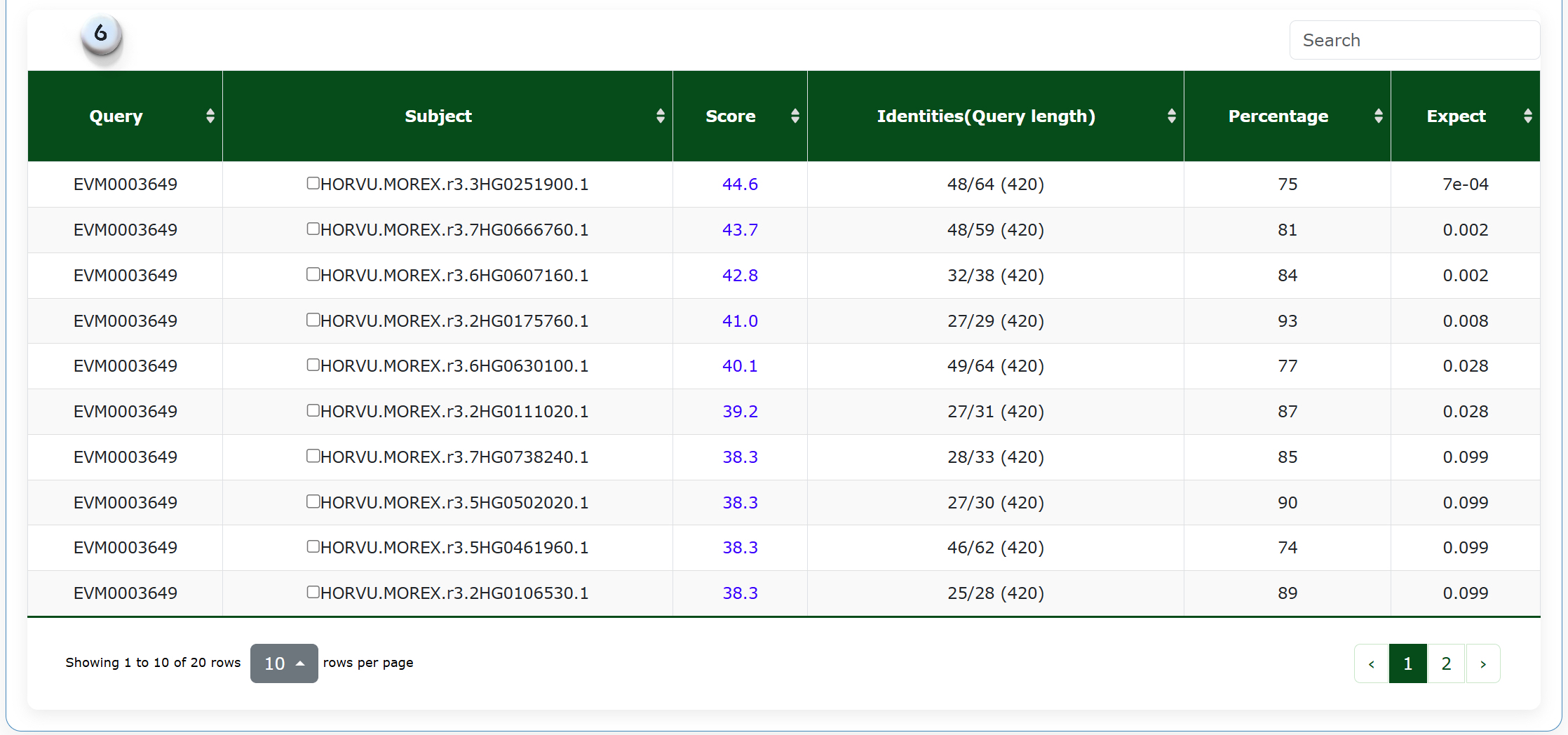
6.Display blast results and related detailed information.
blast1 blast2 blast3 blast4
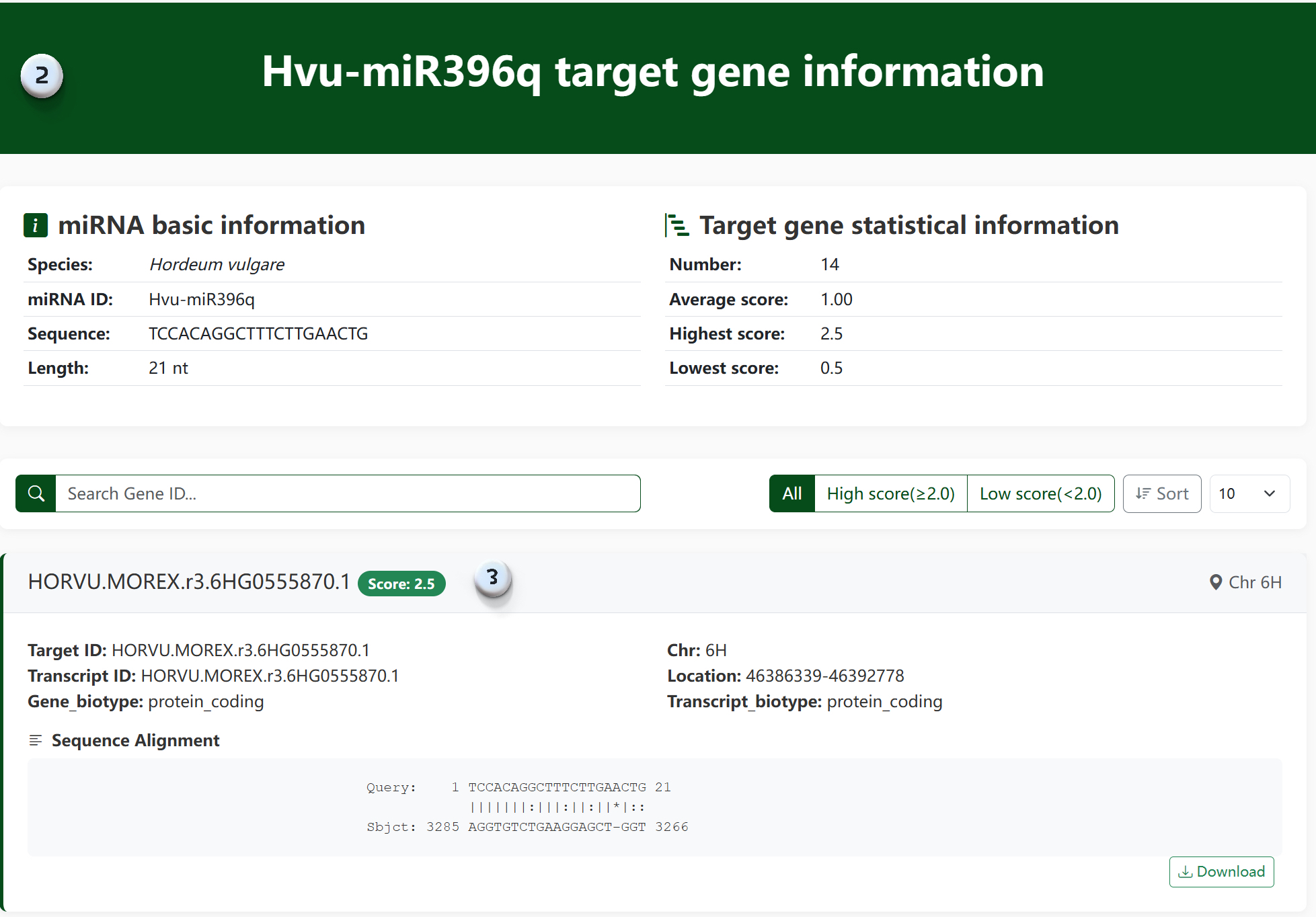
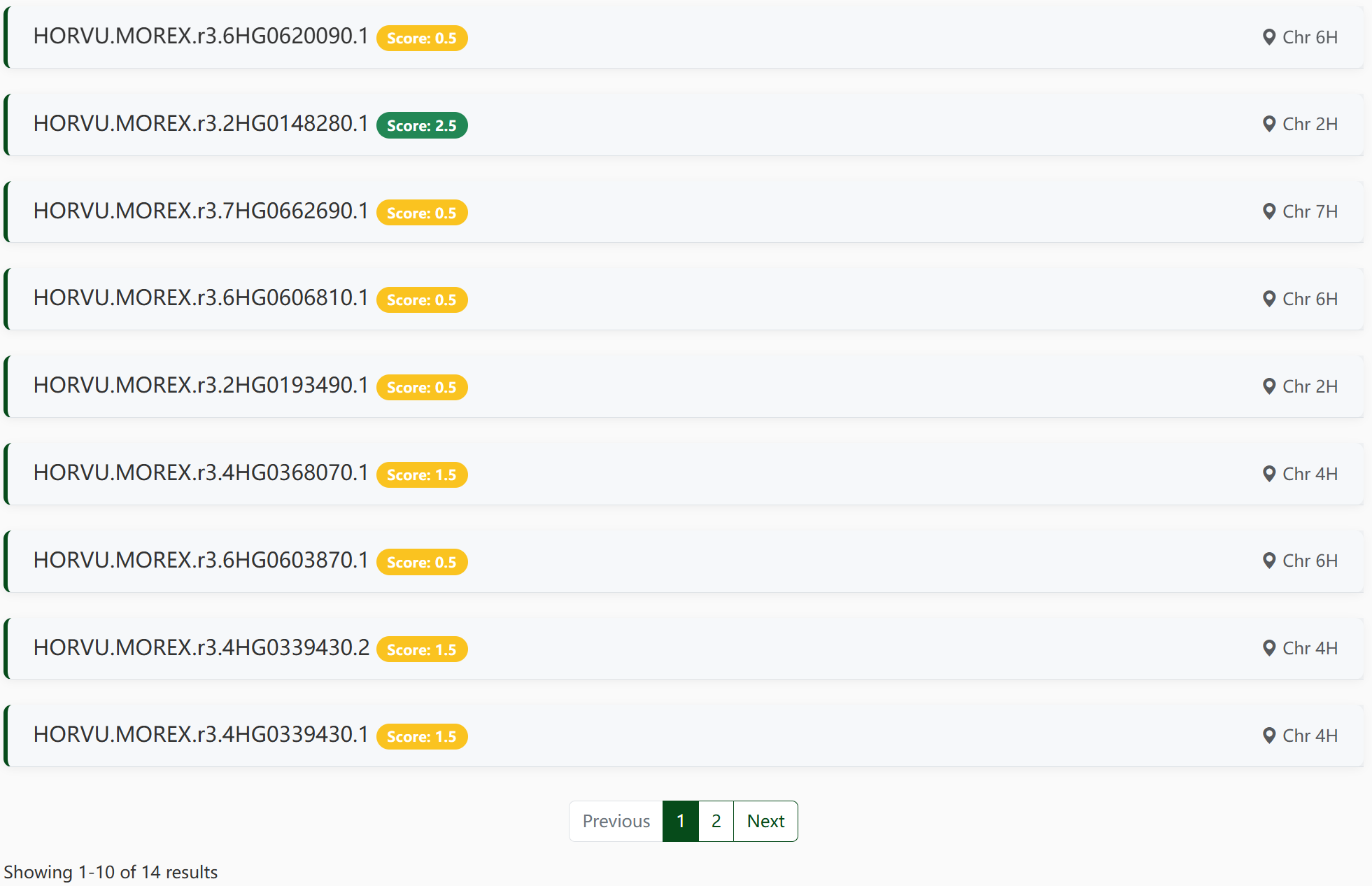
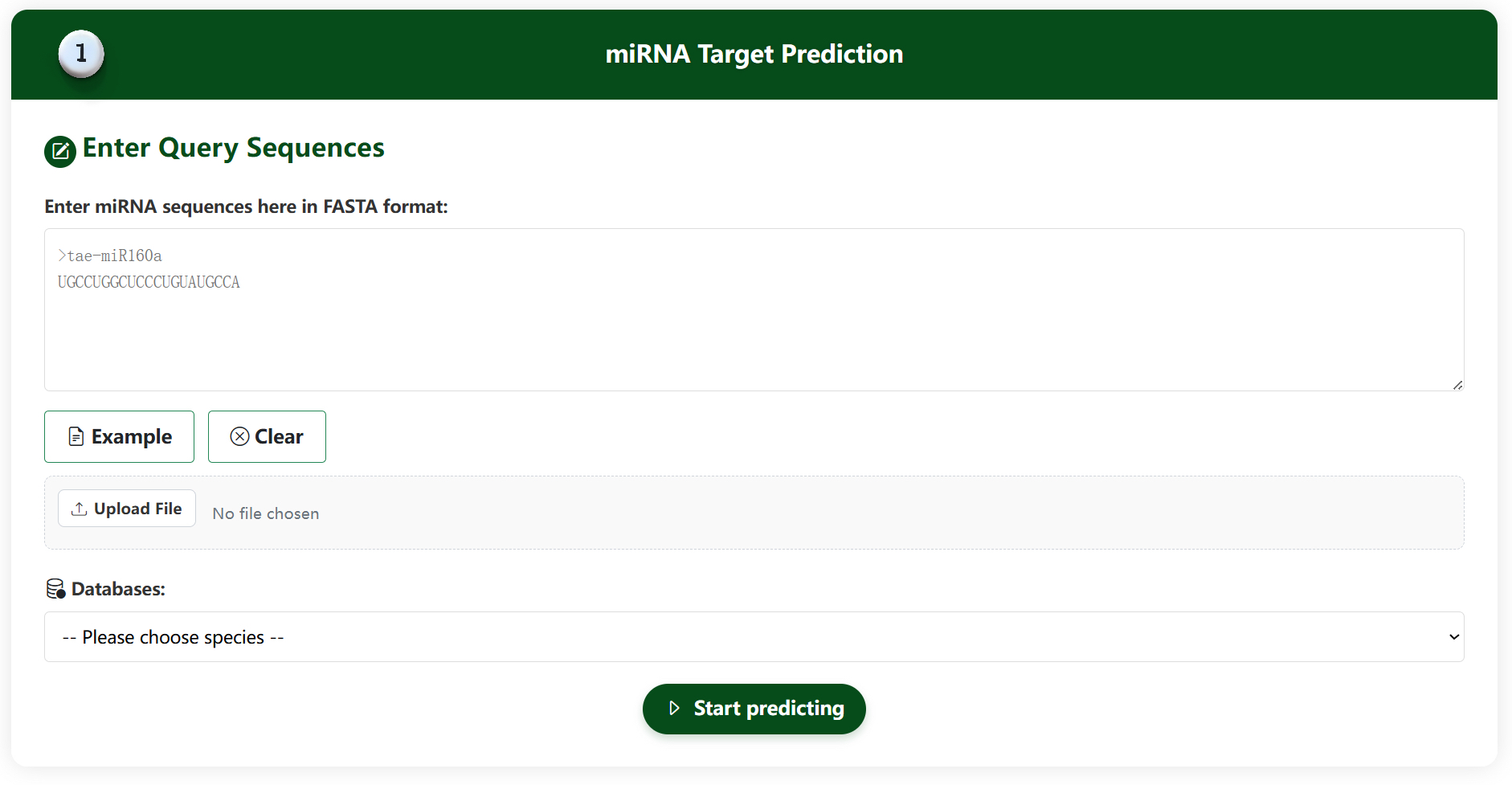
target1 target2
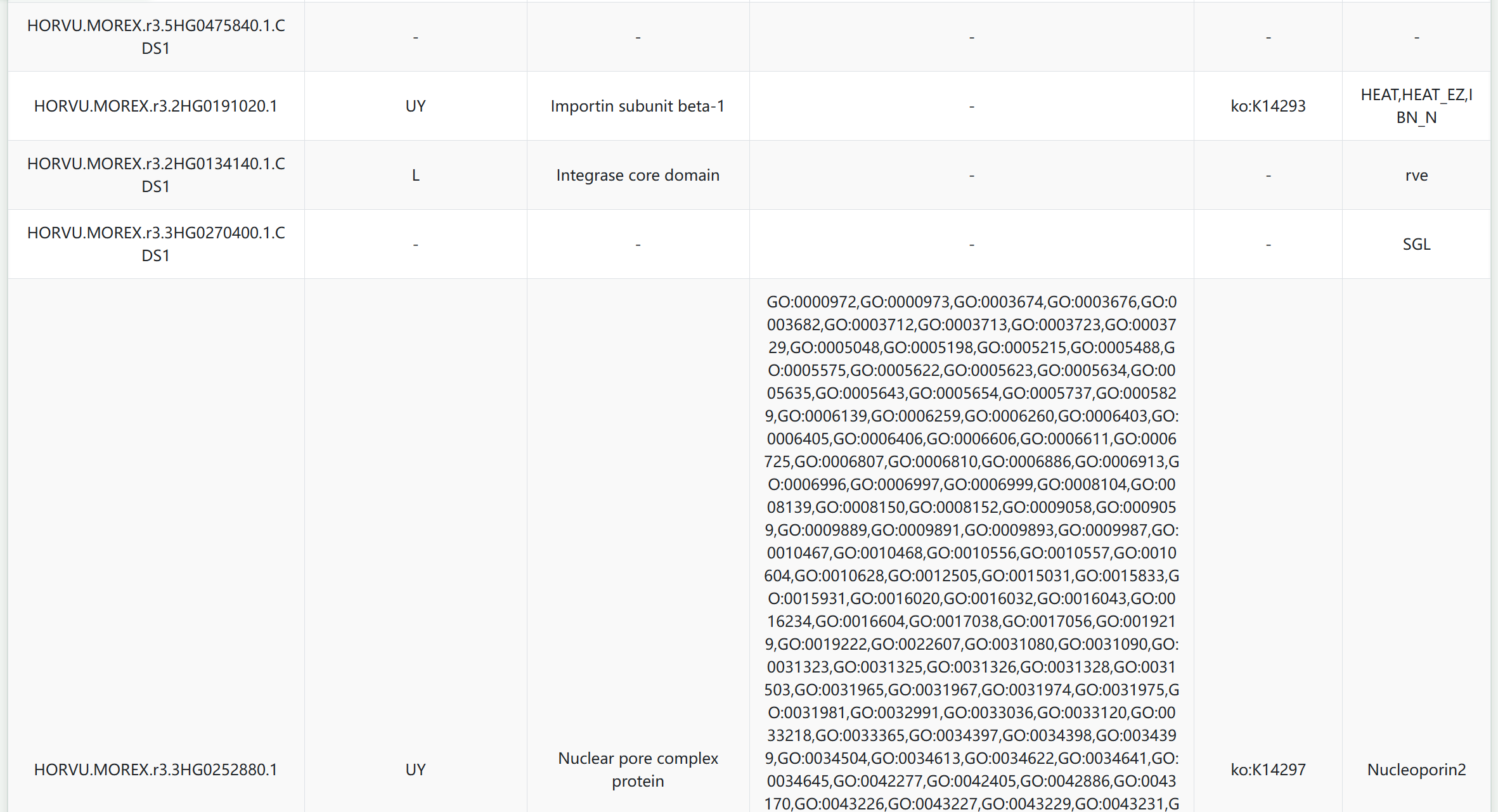
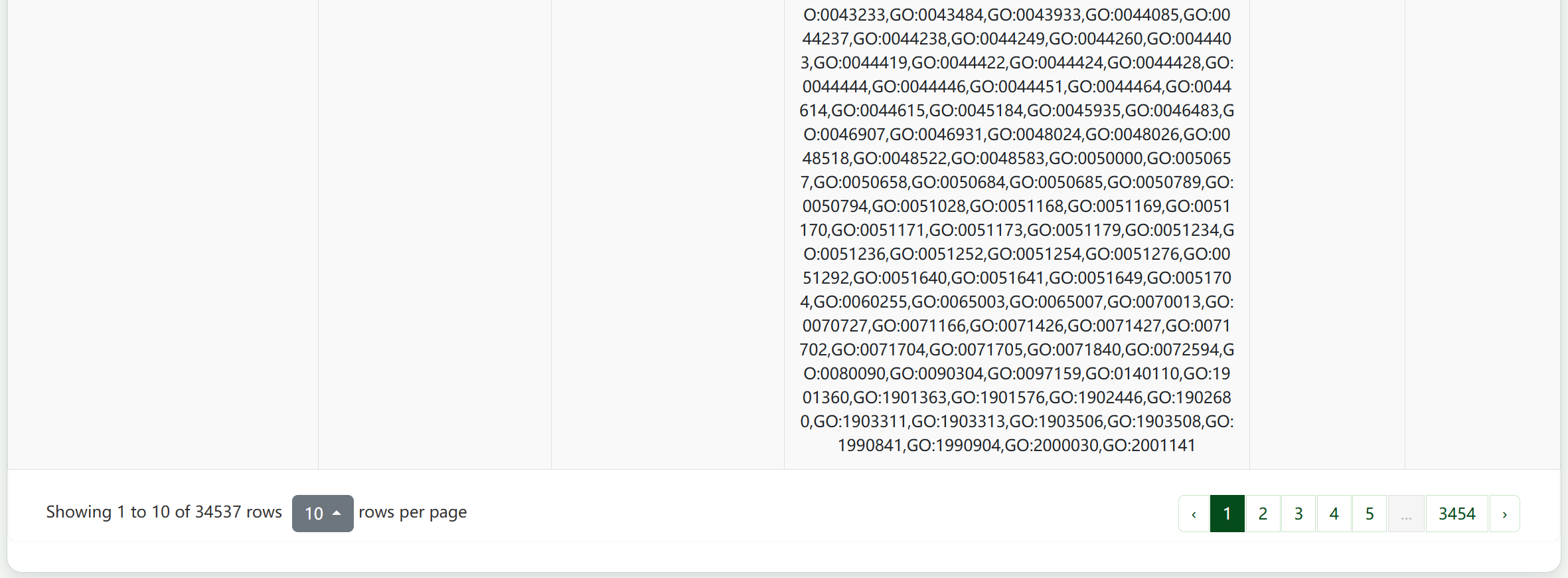
GO1 GO2

Help Section

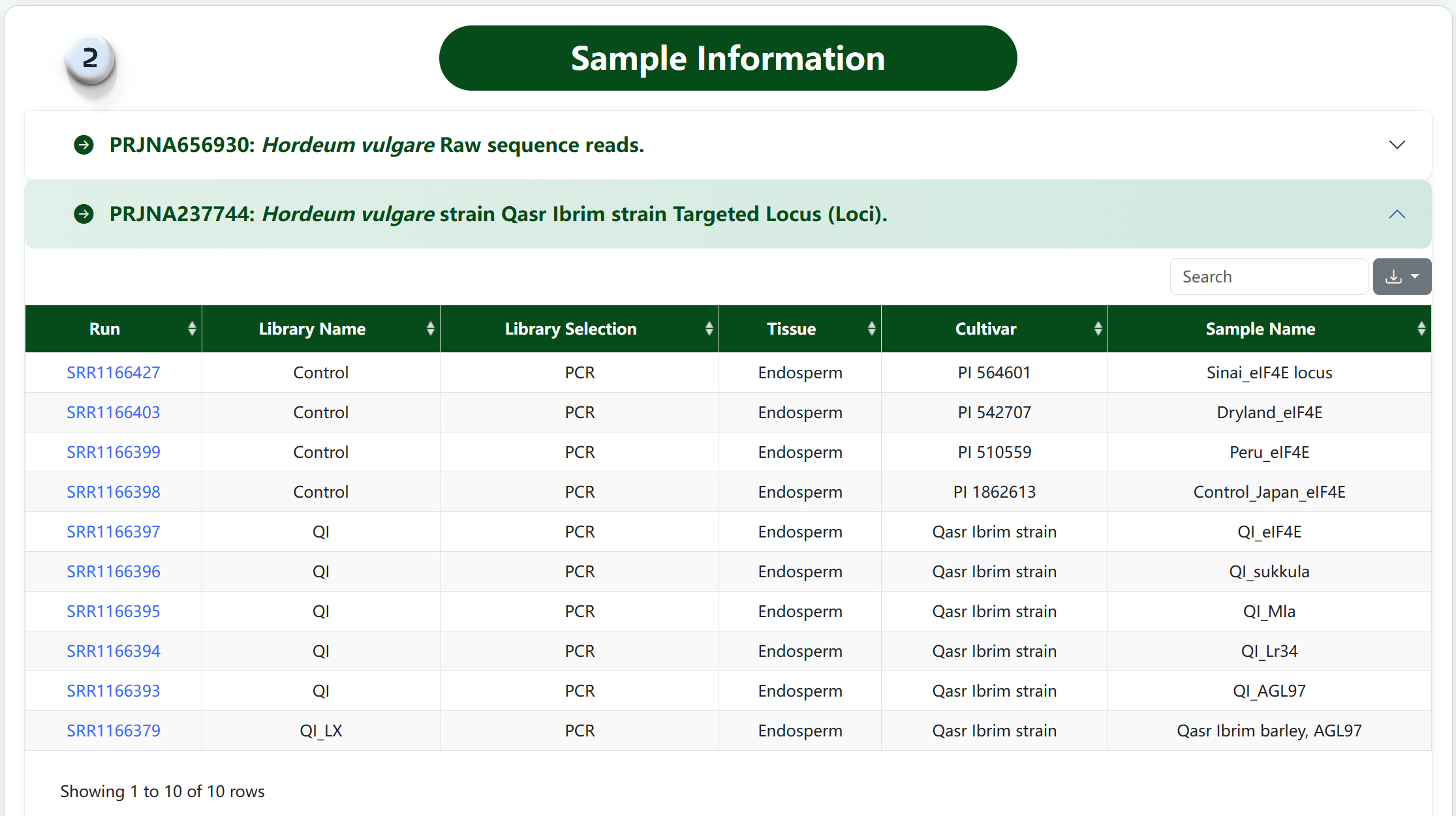
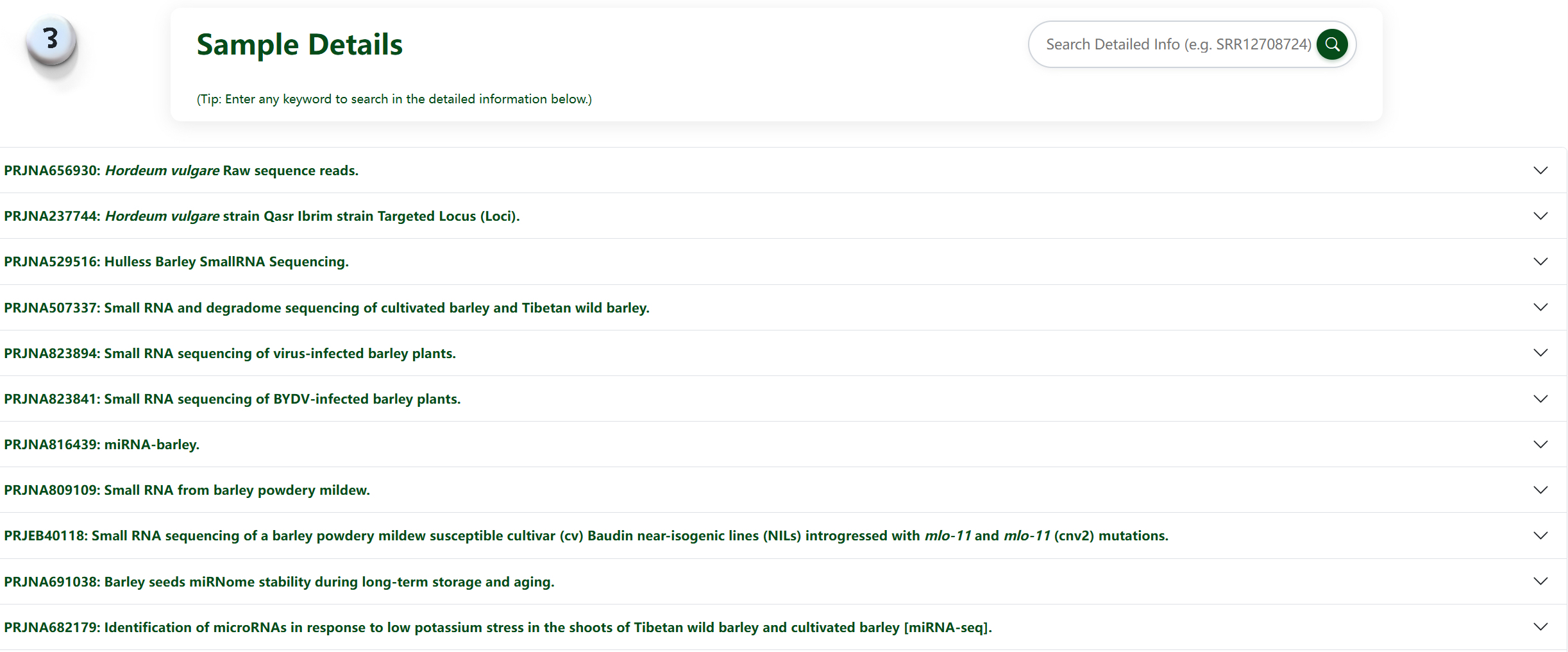
The Help section provides comprehensive information about the BioProject and Sample data. It allows you to explore the sources of miRNA data, detailed sample information, and the relationship between BioProjects and their associated samples.
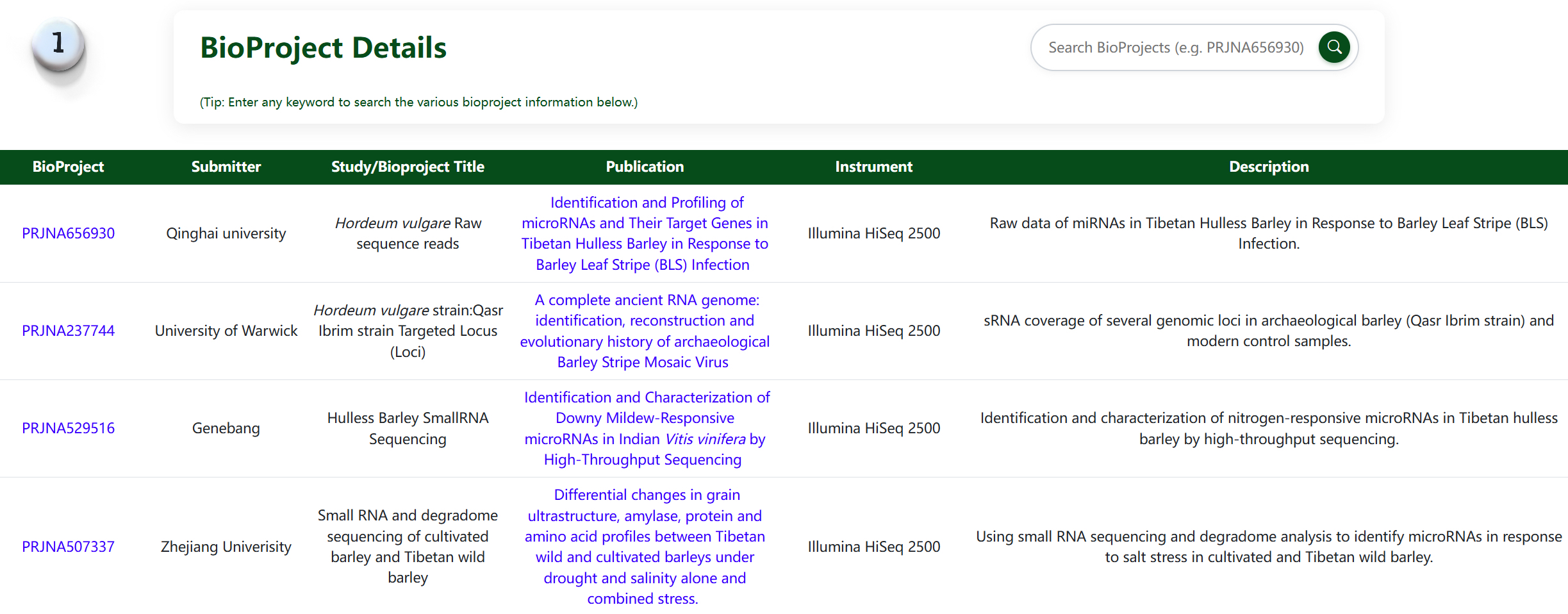
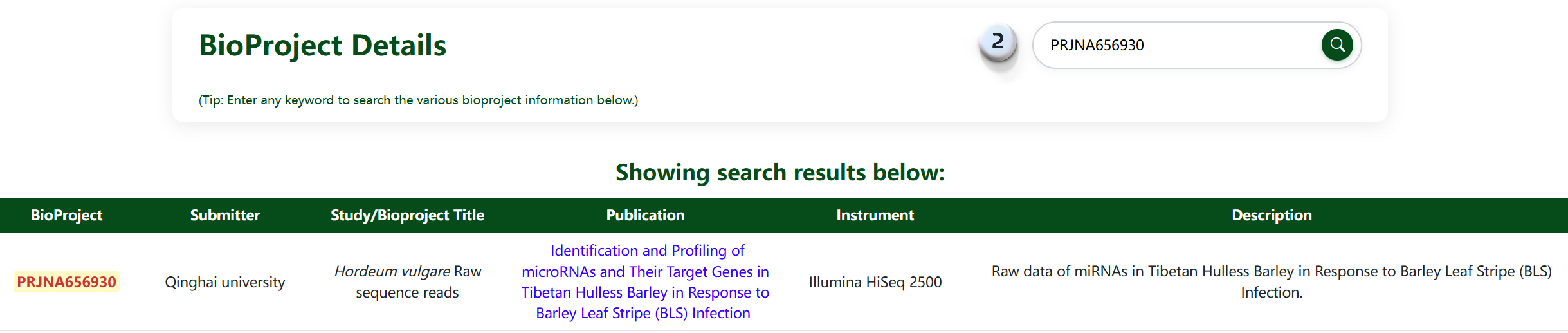
1.Detailed display of miRNA sources and information on various bioproducts.
2.Retrieve the desired content and highlight it by entering any character.
3.Display specific information on miRNAs from different samples in different bioproducts through a dropdown menu.
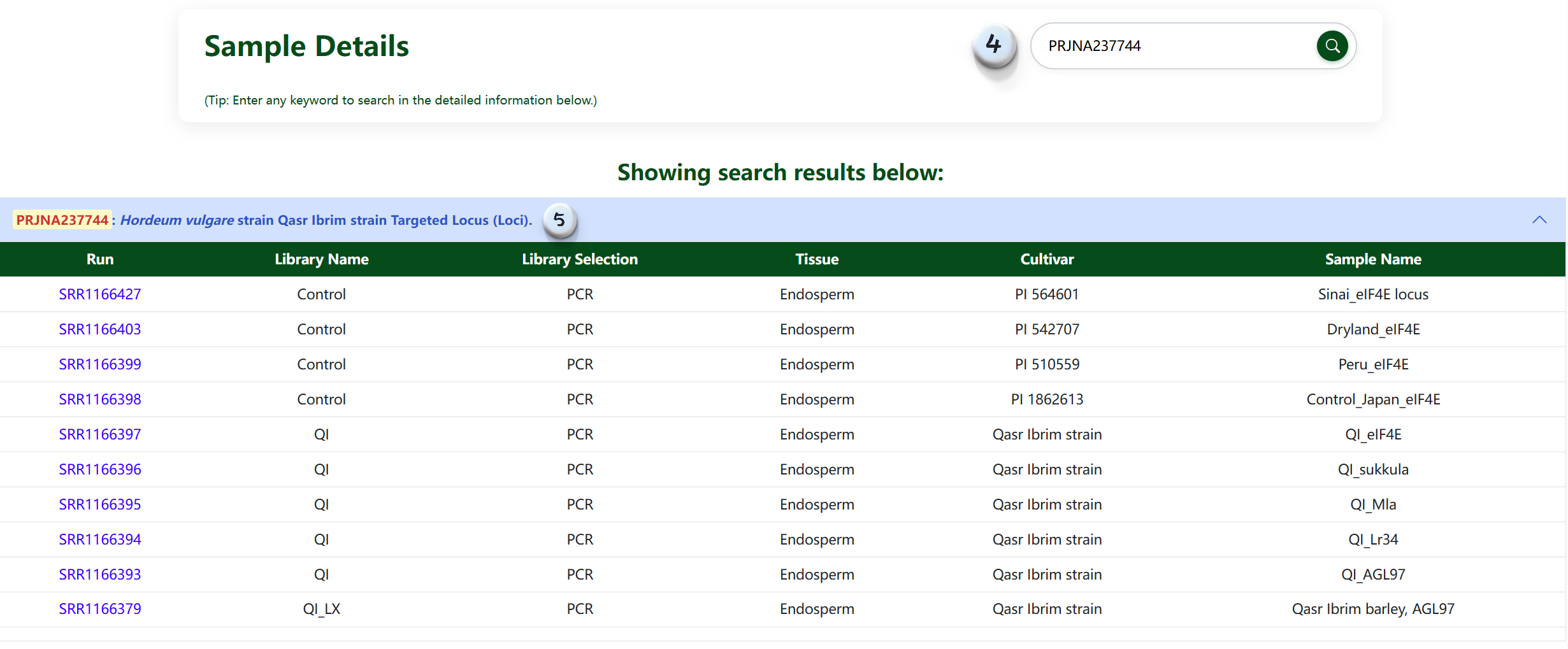
4.Enter any content to retrieve from the dropdown menu and highlight it.
5.The search results are displayed in detail through the dropdown menu, including the bio project and sample details.
help1 help2 help3 help4

Download Section

The Download section provides access to all miRNA data in various formats. You can download complete datasets for specific species or select custom subsets based on your research needs. Documentation is available to help you understand the data structure and formats.
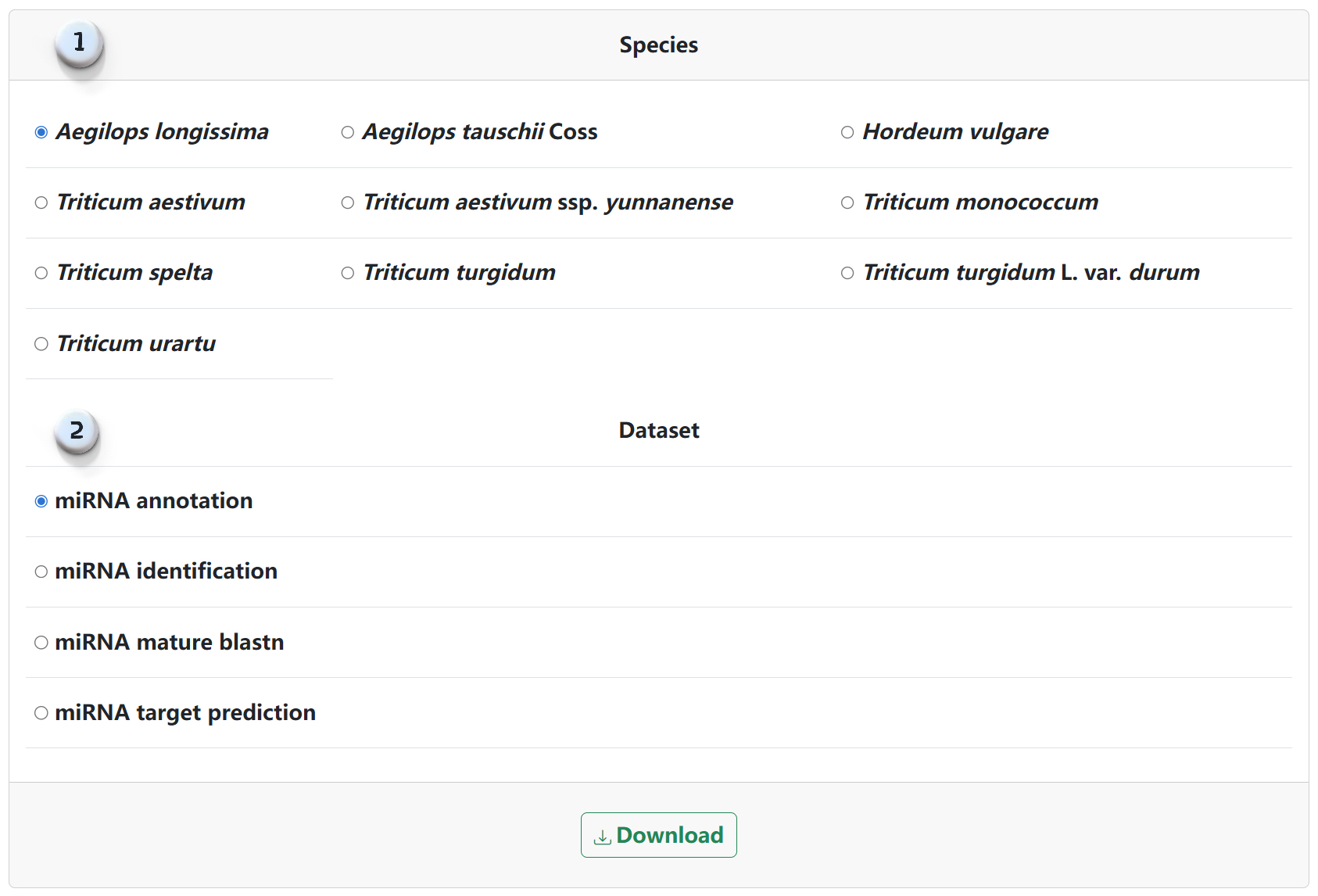
1.Select the species to download.
2.Select the information to download.
Download Page